
The news in one sentence, Kali LLM turns natural language into Kali tool execution
Kali Linux published a walkthrough showing how to run a modern “LLM-driven” workflow on macOS using Claude Desktop as the GUI, a Kali Linux machine as the attacking box, and Anthropic Sonnet in the cloud—wired together through Model Context Protocol so the model can translate intent into commands, execute them via tools, and iterate until the task is complete. (Kali Linux)
If you read the post carefully, it’s not “Kali added AI.” The meaningful shift is architectural: a tool-calling LLM becomes the new operator interface, and the terminal becomes an implementation detail behind a policy layer (MCP + client controls). Kali even lays out the loop explicitly—prompt, interpret, request tool access, run command, return results, repeat. (Kali Linux)
That loop is the story. Because once you accept that loop, the question stops being “which scanner do I use?” and becomes:
- What can the model execute?
- Who constrains it?
- What gets logged?
- What happens when the model is manipulated by hostile input?
Those are governance questions, not tooling questions.
What Kali actually built, three systems and one control plane
Kali’s guide describes three distinct systems:
- UI layer: macOS with Claude Desktop
- Execution layer: Kali Linux with offensive tools
- Model layer: Anthropic Sonnet in the cloud
…and a mechanism to let them talk: SSH for macOS ↔ Kali connectivity, and MCP to let the LLM request tool execution as part of solving a natural language task. (Kali Linux)
Even the example prompt is revealing: it’s a multi-step objective (“port scan, then if web server exists, check security.txt”). The model decomposes the objective into tool calls (Nmap, then HTTP checks), and it keeps iterating until completion. (Kali Linux)
This is why the headline matters. Security work is increasingly a pipeline—discovery → classification → validation → reporting—and pipelines are exactly what agentic systems automate well.
Why this matters, the execution boundary just moved
For two decades, operational security assumed the terminal was the “dangerous place.” Policies, peer review, and tribal knowledge were built around command lines: a human sees a command, decides to run it, and owns the consequences.
Kali LLM flips that assumption. The dangerous place becomes the model’s decision layer, where it chooses:
- which tool to call
- with what parameters
- based on which inputs
- under which permissions
- and with what stopping criteria
Kali’s post says the quiet part out loud: the LLM “processes the results” and can re-run actions in a loop until the prompt is fulfilled. (Kali Linux)
That’s an execution boundary move: from terminal-centric to policy-centric.
If you’re a security engineer, you’ve seen this movie before. We’ve been here with:
- CI/CD pipelines that turned “run a command” into “merge a config”
- Infrastructure-as-Code that turned “SSH and fix” into “push and apply”
- Kubernetes controllers that turned “deploy a pod” into “declare state”
Kali LLM is that pattern for offensive workflows.
The keyword that will dominate this topic, Kali LLM and why people click it
You asked for the highest click intent keyword in this topic. Public web search does not expose true CTR the way Google Search Console would for a specific property, so I can’t claim a numeric CTR ranking without inventing data. What I can do—rigorously—is infer click intent from how the ecosystem names the story across primary sources and coverage:
- Kali’s own title leads with Kali & LLM and repeats “LLM” throughout the article. (Kali Linux)
- Social amplification on X repeats the same title string. (X (formerly Twitter))
- Third-party writeups summarize it as “Kali integrates Claude AI” and anchor on “Kali + LLM” phrasing. (أخبار الأمن السيبراني)
So the keyword with the strongest “headline match” and therefore likely the strongest click intent is Kali LLM—because it matches the official naming, it’s short, and it compresses the novelty (“Kali + LLM”) into two words.
Supporting keywords that map to clear user intent clusters:
- Claude Desktop — “How do I set it up?”
- Model Context Protocol و MCP server — “How does tool calling work?”
- tool calling security و prompt injection — “Is it safe?”
- AI pentesting و agentic security — “What changes operationally?”
These are not marketing words. They are query-shaped.
Model Context Protocol, why MCP turns “chat risk” into “execution risk”
MCP exists to standardize how an LLM connects to tools and external sources. In practice, it means the model is no longer limited to text output—it can request actions, receive structured results, and chain operations. Red Hat’s security discussion frames MCP as an agent-driven tool-use channel, where the client routes tool lists and parameters into an LLM and then calls servers accordingly. (Red Hat)
That design creates an immediate security implication:
The model becomes a dispatcher. The dispatcher is now in your trust boundary.
MCP’s own security best practices enumerate concrete failure modes that don’t exist in “text-only chat,” including session hijacking, event injection, and the risks of local MCP servers that have direct access to the user’s machine. (Model Context Protocol)
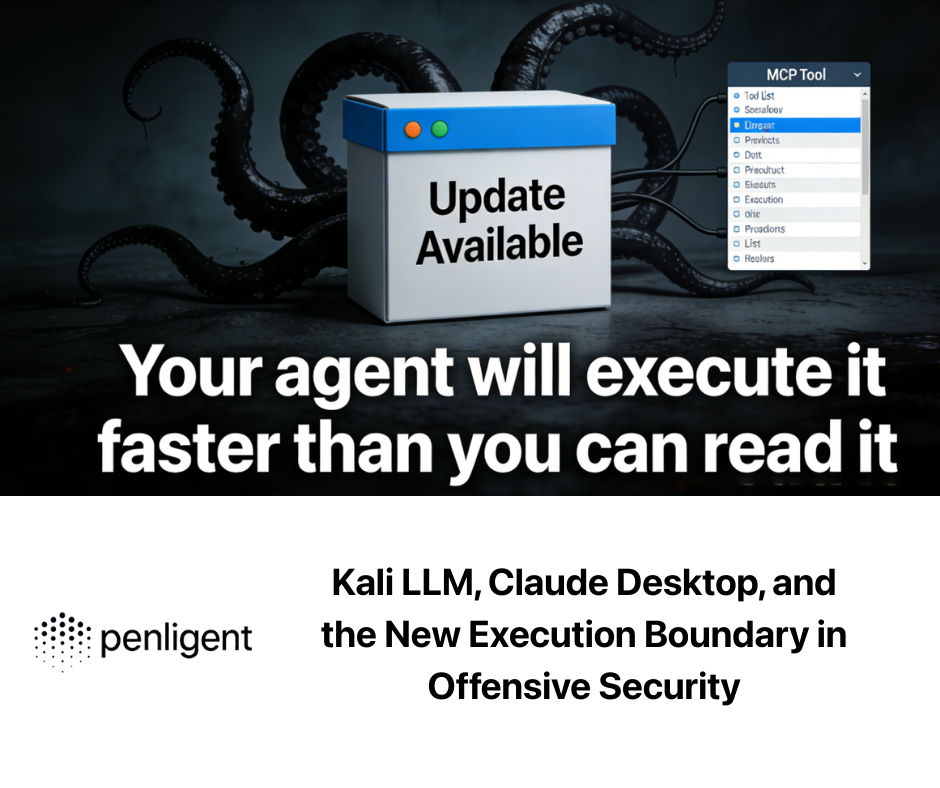
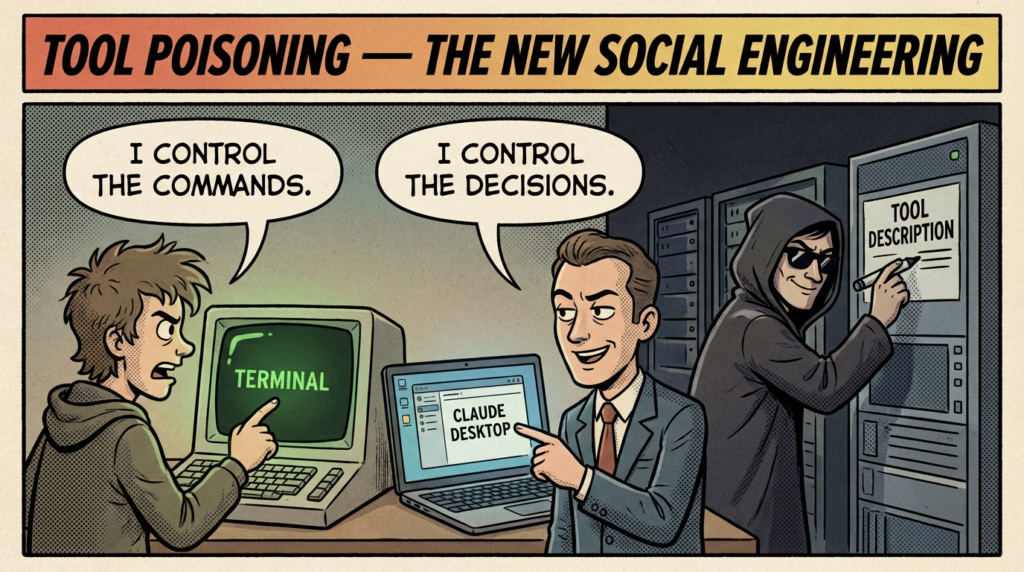
Microsoft’s guidance emphasizes indirect prompt injection and “tool poisoning,” where attackers embed malicious instructions into tool descriptions that the model uses to decide which tool to invoke. (Microsoft Developer)
Unit 42 has analyzed attack vectors around MCP sampling and prompt injection paths in the same tool-calling flow: user request → client forwards context → model generates tool calls → client invokes tools. (Unit 42)
Put those together and you get the real threat model:
- In a tool-calling world, “prompt injection” is not an opinion problem.
- It is an execution control problem.
The core risk, you are no longer defending commands, you are defending decisions
When a human drives a terminal, the primary attack surface is the machine: binaries, OS, network.
When an LLM drives a toolchain, the primary attack surface expands to include:
- Inputs that the model reads
- web pages
- tool output
- logs
- issues
- docs
- Tool definitions that the model trusts
- names
- descriptions
- schemas
- “help” text
- Client policies that gate execution
- allowlists
- confirmations
- sandboxing
- logging
- State and sessions
- cached tool lists
- session IDs
- background events
MCP’s own best practices describe scenarios where session IDs and event streams can be abused to inject payloads that the client then “acts on.” (Model Context Protocol)
And independent researchers have highlighted “rug pull” patterns in tool ecosystems—tools that appear safe at installation can later mutate or be shadowed, changing what the model believes it is calling. (Simon Willison’s Weblog)
If you want the cleanest mental model:
The terminal is no longer the sharp edge. The sharp edge is the model’s interpretation layer.
A practical threat model for Kali LLM workflows
Below is a threat model security teams can actually use. It’s written for a Kali LLM-like architecture: macOS client, remote Kali executor, MCP tool bridge.
| Asset | Primary risk | Typical failure mode | What you can detect | What you can prevent |
|---|---|---|---|---|
| Tool execution channel | Unintended command execution | Model chooses risky flags, expands scope, or follows injected instructions | Full command audit log, diff of intended vs executed steps | Allowlist + parameter validation + human confirmation on high-risk categories |
| Tool metadata | Tool poisoning | Malicious tool description nudges model into wrong tool calls | Hash pinning of tool manifests, anomaly detection in tool list changes | Signed tool registry, pin tool versions, restrict dynamic tool discovery |
| Session and events | Session hijack and event injection | Attacker reuses session IDs or injects events that alter tool availability | Session correlation, replay detection, unexpected tools/list_changed events | No sessions for auth, bind session IDs to user identity, rotate IDs (Model Context Protocol) |
| Context inputs | Indirect prompt injection | Web page or log output contains instructions that model follows | Capture full context set, label untrusted sources, prompt-to-action tracing | Strict separation: untrusted text never directly drives execution; summarize then confirm |
| Remote Kali host | Traditional compromise | SSH exposed, toolchain vulnerable, supply chain issues | Host-based logging, integrity monitoring, network egress monitoring | Patch baseline, minimal services, restrict inbound, ephemeral hosts |
| Secrets | الاستخراج | Model pastes tokens into tool calls, tools leak environment | Secret scanning in logs, DLP, egress alerts | No secrets in model context, vault integration, per-tool scoped tokens |
This is where “AI security” becomes ordinary engineering. The controls look familiar because they are familiar: least privilege, integrity, logging, isolation.
SSH is still the hinge, CVE-2024-6387 shows why basics still matter
Kali’s tutorial uses SSH as the bridge between macOS and the Kali box. (Kali Linux)
That’s sensible—and it also means the entire architecture inherits SSH’s risk profile. CVE-2024-6387 (regreSSHion) is a race condition regression in OpenSSH sshd that NVD describes as unsafe signal handling, potentially triggerable by an unauthenticated remote attacker under timing conditions. (NVD)
Qualys’ write-up frames the impact starkly: unauthenticated remote code execution against OpenSSH server on glibc-based Linux systems, in default configuration scenarios, with high exploit value. (كواليس)
Why bring this up in a Kali LLM article?
Because LLM-driven execution increases operational tempo. If your pipeline can scan and iterate faster, it can also hit vulnerable infrastructure faster—on both sides:
- defenders deploying “agentic helpers” may expose SSH endpoints for remote execution
- attackers can automate targeting of that same management plane
In other words: agentic workflows don’t reduce the importance of patching core services. They make patch latency more expensive.
Supply chain is the silent multiplier, CVE-2024-3094 is the warning label
CVE-2024-3094 (XZ Utils) is the canonical reminder that toolchains and packaging pipelines can be compromised in ways that look like normal upstream updates. NVD describes malicious code in upstream tarballs (starting 5.6.0) that modifies the liblzma build process through obfuscation and prebuilt object extraction. (NVD)
Akamai’s analysis summarizes the story most practitioners internalized: a backdoor inserted through maintainer access and release artifacts, initially surfacing as SSH-related behavior but ultimately pointing toward remote compromise potential. (Akamai)
Now map that lesson onto Kali LLM:
- You are not just running “tools.”
- You are running a tool ecosystem coordinated by an LLM.
If the ecosystem is poisoned—packages, MCP servers, plugins, community wrappers—the model becomes a force multiplier for that poison. It can invoke the compromised component faster, more frequently, and in more contexts than a human operator would.
So the governance question is unavoidable: who signs tools, who pins versions, and who audits drift?
Complex exploit chains are easier to assemble, CVE-2024-3400 is the case study
CVE-2024-3400 in PAN-OS GlobalProtect is described by Palo Alto Networks as command injection resulting from arbitrary file creation under specific versions and configurations, allowing unauthenticated attackers to execute code with root privileges. (security.paloaltonetetworks.com)
Unit 42 tracked exploitation activity and published operational intelligence around it. (Unit 42)
This matters for the same reason: modern compromises are rarely a single request. They are multi-stage chains:
- identify version and configuration
- place a file where a privileged process will pick it up
- trigger execution through a secondary mechanism
- establish persistence
- exfiltrate
LLMs are particularly good at turning “a long chain of steps” into a single cohesive plan. That’s useful for defenders doing incident response and validation. It’s also useful for attackers.
So the defense posture that works is not “ban AI.” It’s “treat AI execution like a production pipeline”—controlled inputs, explicit approvals, strong logging, and repeatable evidence.
Controls that actually work, how to make tool-calling safe enough to use
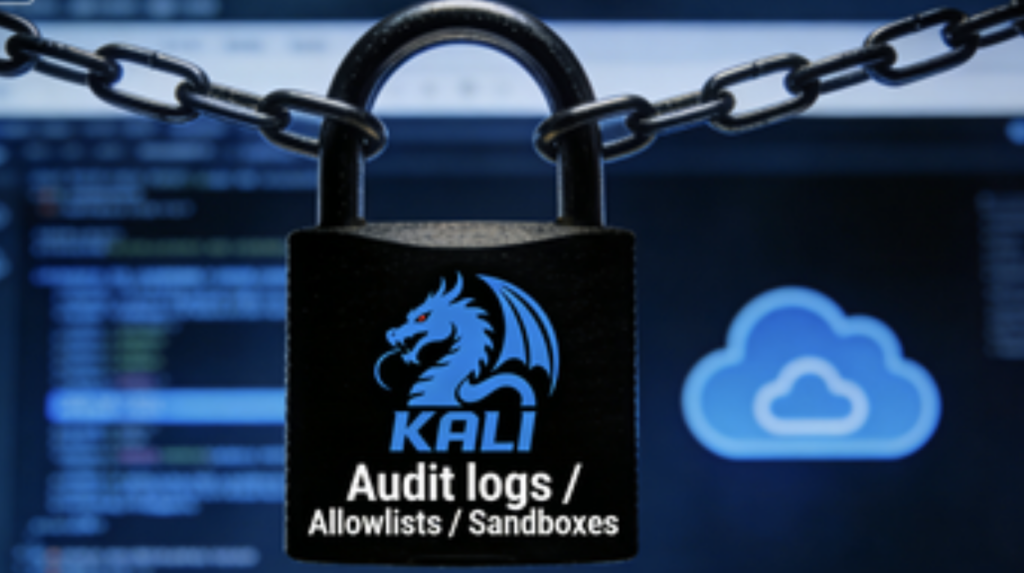
Start with a strict execution contract
Your MCP client and server should agree on an execution contract:
- tool allowlist
- parameter schemas with validation
- “dangerous” categories that always require approval
- timeouts, rate limits, and scope limits
- immutable logging
MCP’s security guidance explicitly recommends strong authorization checks and warns against using sessions as authentication, emphasizing secure session IDs and binding them to user identity where used. (Model Context Protocol)
Treat tool descriptions as untrusted input
Microsoft calls out tool poisoning: attackers can embed malicious instructions in tool metadata that models rely on. (Microsoft Developer)
So you should:
- pin tool manifests by hash
- restrict auto-updates
- render tool descriptions as “display-only,” not executable guidance
- force the model to produce a structured plan, then validate it against policy before execution
Separate “reading” from “doing”
A safe pattern:
- The model reads untrusted content and produces a summary.
- The system strips instructions, keeping only facts.
- The model proposes actions based on facts.
- A policy layer validates actions.
- Only then do tools execute.
That separation is the difference between “LLM assistant” and “LLM autopilot.”
Code patterns you can use today, defensive wrappers for agent execution
Below are safe, defensive examples. They are not exploit payloads and they are not intended for unauthorized use. They illustrate how to control execution.
Harden SSH baseline for a remote Kali executor
# /etc/ssh/sshd_config.d/99-hardening.conf
PermitRootLogin no
PasswordAuthentication no
KbdInteractiveAuthentication no
PubkeyAuthentication yes

AllowUsers kali-operator
MaxAuthTries 3
LoginGraceTime 30
ClientAliveInterval 300
ClientAliveCountMax 2

# Reduce lateral movement primitives
X11Forwarding no
AllowTcpForwarding no
PermitTunnel no

# Strong logging
LogLevel VERBOSE
Why this belongs here: Kali’s own workflow depends on SSH connectivity. (Kali Linux) If SSH is your hinge, SSH needs a baseline.
A minimal allowlist wrapper for tool execution
This pattern forces the agent to execute only approved tools with bounded flags.
import shlex
import subprocess
from dataclasses import dataclass

@dataclass(frozen=True)
class Rule:
    cmd: str
    allowed_flags: set[str]

ALLOWLIST = {
    "nmap": Rule("nmap", {"-sV", "-sC", "-Pn", "-p", "--top-ports", "-oN"}),
    "curl": Rule("curl", {"-I", "-s", "-L", "--max-time", "-o"}),
}

def run_checked(command: str) -> subprocess.CompletedProcess:
    parts = shlex.split(command)
    if not parts:
        raise ValueError("Empty command")

    tool = parts[0]
    if tool not in ALLOWLIST:
        raise PermissionError(f"Tool not allowed: {tool}")

    rule = ALLOWLIST[tool]
    flags = {p for p in parts[1:] if p.startswith("-")}
    unknown = {f for f in flags if f not in rule.allowed_flags and not f.startswith("-p")}
    if unknown:
        raise PermissionError(f"Flags not allowed: {sorted(unknown)}")

    # Execute with no shell to avoid injection
    return subprocess.run(parts, capture_output=True, text=True, timeout=180)

# Example usage:
# result = run_checked("nmap -sV --top-ports 100 scanme.nmap.org -oN out.txt")
This is the kind of “boring control” that makes LLM tool-calling usable in real environments.
A logging schema that supports forensic replay
{
  "timestamp": "2026-02-26T20:11:00Z",
  "actor": "llm-agent",
  "request_id": "b8c2c3f1",
  "objective": "Scan target and check security.txt",
  "context_sources": [
    {"type": "user_prompt", "trust": "trusted"},
    {"type": "tool_output", "trust": "untrusted"}
  ],
  "proposed_action": {"tool": "nmap", "args": ["-sV", "--top-ports", "100", "scanme.nmap.org"]},
  "policy_decision": {"allowed": true, "reason": "allowlist match"},
  "execution": {"exit_code": 0, "stdout_hash": "sha256:...", "stderr_hash": "sha256:..."}
}
If your agent can’t produce replayable evidence, it’s not safe enough to operate at scale.
Two operational rules that prevent most real-world failures
Rule 1, “the model never gets your secrets by default”
Tool-calling assistants love convenience. Convenience kills boundaries.
Keep secrets out of the model context:
- no API keys pasted into chat
- no environment dumps included in prompts
- use scoped tokens per tool where possible
- rotate aggressively
Rule 2, “untrusted text never becomes executable intent”
Treat web pages, logs, and scan output as adversarial. If you let untrusted text drive actions directly, you have built an indirect prompt injection pipeline.
This is not theoretical. The entire MCP security conversation exists because agentic tool use turns prompt injection into action selection risk. (Red Hat)
Kali’s Kali LLM story is about interaction: natural language to tools via MCP. The missing piece for teams is usually not “can we run commands,” but “can we prove what happened.”
That’s the product boundary where platforms like Penligent try to live: not as a chat wrapper, but as an autonomous engine that maintains state, self-corrects, and produces evidence trails that a security team can use in validation and reporting. Penligent’s own writing contrasts “LLM wrappers” that summarize outputs with autonomous systems that retain persistent state and handle execution loops. (بنليجنت)
In practice, what teams want is a workflow where:
- discovery is repeatable
- exploitation attempts are bounded by policy
- verification outputs are captured as artifacts
- results can be replayed and independently audited
If you’re adopting Kali LLM-style workflows, that’s the bar you should hold your tooling to—whether you use Penligent or not.
A second, more pragmatic angle: operational stability. Tool-calling agents can stall, hang terminals, or desync safety boundaries under real conditions, which is why defensive guidance increasingly emphasizes isolation and restricted browsing for agents. Penligent has published analysis in that direction as well. (بنليجنت)
What this means for the industry, Kali LLM is a signal, not a feature
Kali did something important by publishing this guide: it normalized a new operator model for offensive security.
From here, expect:
- more “desktop agents” that control local and remote tools
- more MCP-style bridges to scanners, browsers, and cloud services
- a bigger market for governance layers—policy engines, logging, sandboxing, and verification pipelines
- security incidents that look like “prompt injection caused tool execution,” not “user clicked malware”
The headline is not “AI makes hacking easier.” The headline is:
execution is becoming programmable through language, and that changes where we draw the trust boundary.
المراجع
Kali & LLM, macOS with Claude Desktop GUI & Anthropic Sonnet LLM https://www.kali.org/blog/kali-llm-claude-desktop/ MCP Security Best Practices, modelcontextprotocol.io https://modelcontextprotocol.io/docs/tutorials/security/security_best_practices Red Hat, Understanding security risks and controls for MCP https://www.redhat.com/en/blog/model-context-protocol-mcp-understanding-security-risks-and-controls Microsoft Developer Blog, Protecting against indirect injection attacks in MCP https://developer.microsoft.com/blog/protecting-against-indirect-injection-attacks-mcp Palo Alto Networks Unit 42, MCP prompt injection attack vectors https://unit42.paloaltonetworks.com/model-context-protocol-attack-vectors/ Datadog, MCP servers monitoring and common risks https://www.datadoghq.com/blog/monitor-mcp-servers/ Simon Willison, MCP prompt injection, rug pulls and tool shadowing https://simonwillison.net/2025/Apr/9/mcp-prompt-injection/ NVD, CVE-2024-6387 https://nvd.nist.gov/vuln/detail/cve-2024-6387 Qualys, regreSSHion CVE-2024-6387 https://www.qualys.com/regresshion-cve-2024-6387 NVD, CVE-2024-3094 https://nvd.nist.gov/vuln/detail/cve-2024-3094 Palo Alto Networks advisory, CVE-2024-3400 https://security.paloaltonetworks.com/CVE-2024-3400 Unit 42 threat brief on CVE-2024-3400 activity https://unit42.paloaltonetworks.com/cve-2024-3400/ The Singularity of Offensive Cyber, Engineering the Age of Agentic Pentest AI https://www.penligent.ai/hackinglabs/the-singularity-of-offensive-cyber-engineering-the-age-of-agentic-pentest-ai/ GPT-5.3-Codex Bug Reports, Verified, Why Sessions Stall, Terminals Hang, and Safety Boundaries Desync https://www.penligent.ai/hackinglabs/gpt-5-3-codex-bug-reports-verified-why-sessions-stall-terminals-hang-and-safety-boundaries-desync/
 Arabic
  English
  German
  French
  Spanish
  Portuguese
  Japanese
  Korean
  Hindi
Hindi  Turkish
  Hebrew