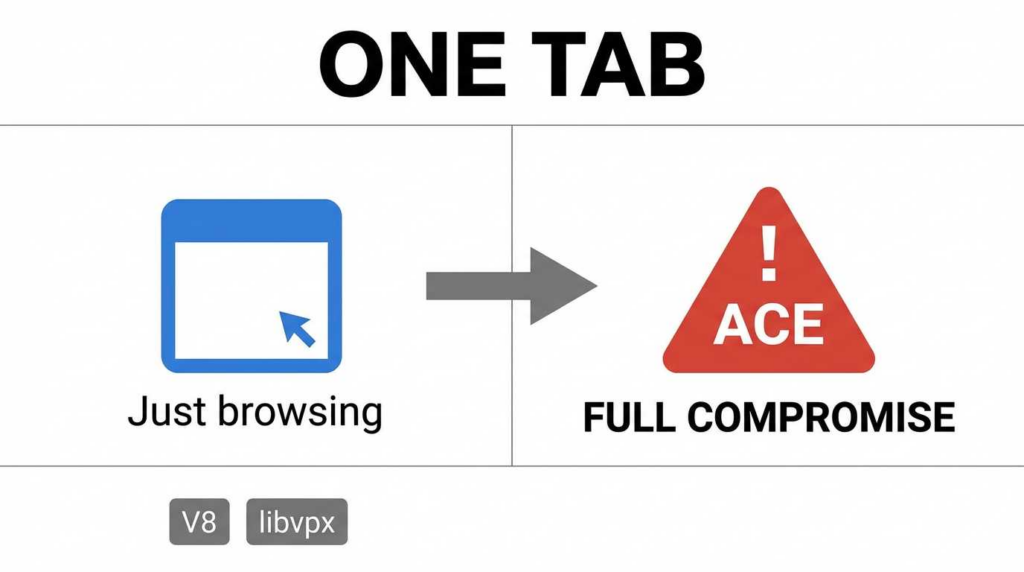
The Event: Google Chrome and Chromium-based browsers (Edge, Brave, Opera) are frequently targeted by critical security flaws known as Chrome Arbitrary Code Execution (ACE) vulnerabilities. These exploits typically originate in two core components: the V8 JavaScript Engine (specifically via Type Confusion) and the libvpx media decoding library (via Heap Buffer Overflows).
L'impact : These vulnerabilities allow remote attackers to bypass the browser’s initial security perimeter and execute arbitrary code on a victim’s machine. Crucially, these are often “fileless” attacks; they do not require a user to download a malicious executable. Merely rendering a compromised webpage or a malformed video advertisement is sufficient to trigger the exploit chain.
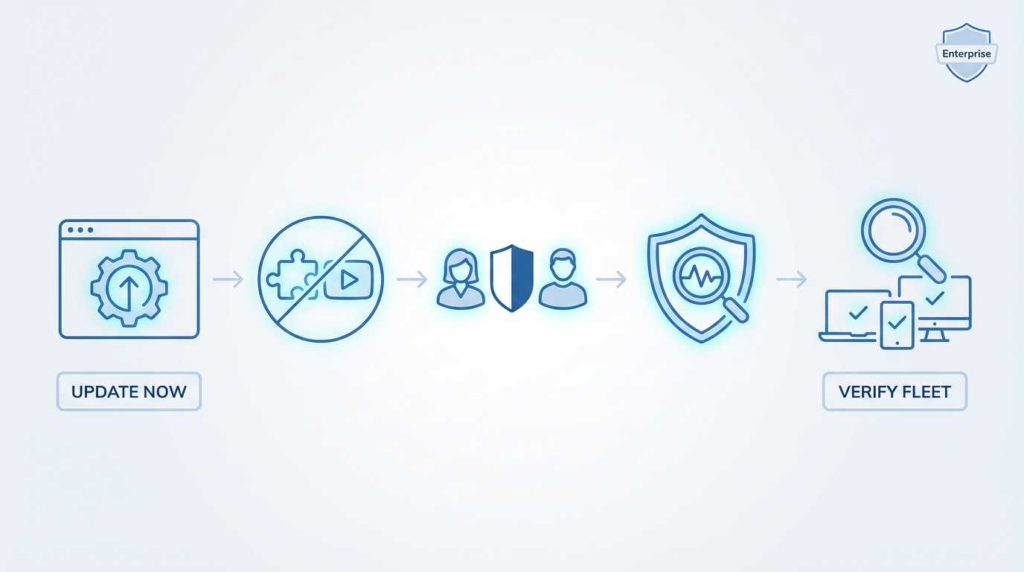
The Action: Remediation requires more than a passive update. Enterprise administrators must enforce strict version control, validate process restarts, and reduce the attack surface for high-value identities.
Risk Level: Critical.
Affected Assets: Chrome (Desktop/Android), Electron Apps, Chromium-based browsers.
Chrome Arbitrary Code Execution persists because the modern browser is a paradox: it must execute untrusted code (JavaScript) at near-native speeds. To achieve this, engines like V8 remove safety checks (via JIT optimization), creating windows for “Type Confusion” where memory is mishandled. Simultaneously, legacy C++ libraries (libvpx) used for media processing lack modern memory safety, leading to classic Heap Overflows.
Conclusion 2: The Real-World Attack Path
The attack chain is silent and predominantly “drive-by”:
Delivery: The user navigates to a compromised legitimate site (“Watering Hole”) or a malicious link.
Déclencheur : The browser parses a specific JavaScript function or decodes a WebP image.
Exploit: The renderer process is compromised. The attacker gains Read/Write access to the process memory.
Escalation: The attacker chains this with a Sandbox Escape (often via Mojo IPC) to gain system-level persistence.
Conclusion 3: Enterprise Priority Ranking
Priority 0 (Immediate): DevOps, System Admins, and C-Suite (users with access to secrets/infrastructure).
Priority 1: Finance/HR (users handling PII and wire transfers).
Priority 2: General Fleet (rolling updates to ensure herd immunity).
2. Background: Why “Browser Vulnerabilities” Are a High-Leverage Risk
In the contemporary threat model, the browser has effectively replaced the operating system kernel as the primary abstraction layer. It is the gateway to Single Sign-On (SSO) portals, cloud infrastructure (AWS/Azure consoles), and internal communication tools (Slack/Teams web).
Chrome Arbitrary Code Execution vulnerabilities share dangerous characteristics that make them high-leverage tools for adversaries:
Zero-Footprint: They execute in memory. No .exe ou .dll touches the disk until post-exploitation, bypassing traditional antivirus file scanning.
Ubiquity: The vulnerability exists in the core logic of the engine, meaning it affects not just Chrome, but any application using the Chromium engine (Electron apps, Slack, VS Code).
Weaponization Speed: The “Time-to-Exploit” has shrunk. Once a patch is committed to the open-source Chromium repository, attackers can reverse-engineer the fix to create an exploit for unpatched browsers within 24-48 hours (N-day exploits).
The following table categorizes the two primary exploit classes discussed in this analysis.
Fonctionnalité
Confusion des types de V8
libvpx Heap Buffer Overflow
Composant
V8 JavaScript Engine (TurboFan Optimizer)
libvpx Media Library (VP8/VP9 Codec)
Trigger Mechanism
Execution of malformed JavaScript logic
Parsing of a malformed video/image stream
Interaction avec l'utilisateur
Low (Visiting a page)
Zero (Auto-play video, banner ad, thumbnail)
Exploit Primitive
addrOf / fauxObj (Memory Read/Write)
Memory Corruption / Overwrite
Complexité
Very High (Requires precise JIT manipulation)
High (Requires Heap Feng Shui)
Primary Impact
RCE in Renderer Process
RCE in Renderer Process / Denial of Service
4. Deep Dive I: V8 Type Confusion – The Path to RCE
Component Role: V8 and TurboFan
V8 is Google’s high-performance engine for executing JavaScript. To speed up execution, V8 uses a pipeline where code is first interpreted (Ignition) and then compiled into highly optimized machine code (TurboFan). TurboFan relies on “Speculative Optimization”—it guesses the types of variables based on previous execution history to strip away slow safety checks.
The Mechanics: Breaking the Speculation
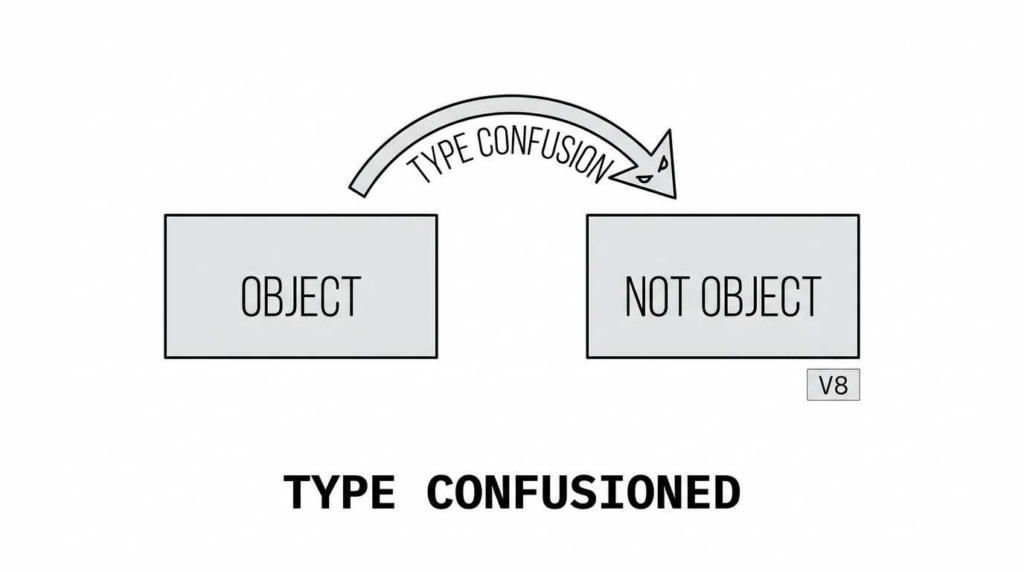
Type Confusion occurs when an attacker tricks TurboFan into generating code that assumes an object is Type A (e.g., an Integer Array), but at runtime, the attacker swaps it for Type B (e.g., an Object Array).
Because the optimized code has removed the “CheckMaps” (type verification) instructions for performance, it operates on Type B as if it were still Type A.
The following pseudo-code illustrates how a Type Confusion bug allows an attacker to treat a pointer as a number, leaking memory addresses.
JavaScript
`// CONCEPTUAL POC – V8 Type Confusion Logic
// 1. Create an array of integers (Type A) let arr = [1.1, 2.2, 3.3];
// 2. Define a function that TurboFan will optimize function sensitiveAccess(a) { // The JIT assumes ‘a’ is always a double array based on training return a[0]; }
// 3. Train the JIT compiler for (let i = 0; i < 10000; i++) { sensitiveAccess(arr); } // –> TurboFan now compiles ‘sensitiveAccess’ with NO type checks.
// 4. The Bait and Switch (Triggering the Bug) // Assume ‘triggerBug’ is a specific CVE vulnerability that alters the array type // inside a side-effect without de-optimizing the code. triggerBug(arr);
// 5. The array is now an Object Array in memory, but the JIT’d code // still treats it as a Double Array. let leaked_pointer = sensitiveAccess(arr);
// RESULT: We have read a raw memory pointer as a floating point number. // We can now calculate the base address of the heap (ASLR Bypass).`
Risk Assessment
Once an attacker has the ability to read raw pointers (addrOf) and write fake objects (fauxObj), they can:
Locate the WebAssembly code region (which is Read/Write/Execute in some versions).
Overwrite the machine code of a WebAssembly function with their own shellcode.
Call the function to achieve Arbitrary Code Execution.
5. Deep Dive II: libvpx Heap Buffer Overflow – The “Content” Trigger
Component Role: libvpx
Libvpx is a C/C++ library responsible for decoding VP8 and VP9 video streams. It is fundamental to the WebM video format and WebP image format. Unlike V8, which manages memory via a Garbage Collector, libvpx manages memory manually, making it susceptible to classic corruption bugs.
The Mechanism: Overflow and Heap Feng Shui
A Heap Buffer Overflow happens when the decoder writes data past the boundary of the allocated memory buffer.
The Setup: An attacker creates a malformed WebP image. The header declares the image width is 64 pixels.
The Allocation: Libvpx allocates a small buffer on the heap corresponding to 64 pixels.
The Reality: The compressed bitstream actually contains data for 6400 pixels.
The Crash/Exploit: As libvpx decodes the stream, it writes the extra data into the memory after the allocated buffer.
Why “Heap Feng Shui” Matters
Randomly corrupting memory usually just crashes the browser (DoS). To get RCE, attackers use Heap Feng Shui (Heap Grooming).
They use JavaScript to allocate specific objects immediately after the vulnerable buffer.
They ensure the “overflow” data overwrites a critical pointer (like a Virtual Table pointer) in that adjacent object.
When the browser tries to use that object, it follows the corrupted pointer to the attacker’s code instead of the legitimate function.
Enterprise Reality: Zero-Click Risk
This vector is particularly dangerous for enterprises because it can be triggered by:
Third-party ads: An iframe loading a malicious banner.
Video Previews: Hovering over a video link.
Instant Messengers: Receiving a malicious sticker or GIF in a web-based chat.
Confidence:High. This is the definitive signature of a Sandbox Escape.
Signal 3: Unexpected IPC Traffic
Advanced EDRs can monitor Mojo IPC calls.
Alert: A renderer process sending malformed or unauthorized Mojo messages to the Browser process.
8. Temporary Mitigation & Defense in Depth
If patching is delayed due to legacy application compatibility:
V8 Optimizer Disabling (Not Recommended for Long Term): Launching Chrome with --js-flags="--no-opt" disables the TurboFan optimizer. This mitigates Type Confusion bugs but degrades performance by ~30%.
Site Isolation: Ensure “Strict Site Isolation” is enabled. This ensures that even if a renderer is compromised, it cannot access data from other origins (e.g., a compromised news site cannot read data from an open Gmail tab).
Remote Browser Isolation (RBI): For C-suite and Finance users, route web traffic through an RBI solution. This executes the V8/libvpx code in a remote container. If an RCE occurs, it happens on the vendor’s server, not your endpoint.
Q: Is a “Chrome Arbitrary Code Execution” vulnerability the same as a 0-day?
A: Not always. It becomes a 0-day if attackers exploit it avant Google releases a patch. Once a patch is out, it is an “N-day” vulnerability, but it remains critical until you update.
Q: I use Microsoft Edge, am I safe from Chrome vulnerabilities?
A: No. Edge is built on the Chromium open-source project. Vulnerabilities in V8 and libvpx affect Edge, Brave, and Opera equally. You must update Edge separately.
Q: Can an attacker steal my passwords using this vulnerability?
A: Yes. If they achieve RCE and escape the sandbox, they can dump your saved browser passwords, session cookies, and even access local files.
Q: What is the most effective way to prevent this in a company?
A: The most effective control is aggressive patch management combinée avec forced browser restarts. A patched file on disk does not protect a running process in memory.
Q: Why do these vulnerabilities happen so often?
A: Browsers are incredibly complex. V8 and media libraries like libvpx prioritize speed (JIT compilation) and feature richness, which inherently introduces complexity and edge cases that attackers can exploit.
10. Glossary of Terms
Confusion de type : A logical error where the program accesses a memory resource using an incompatible type (e.g., treating a pointer as a number), often leading to memory corruption.
Heap Buffer Overflow: A vulnerability where a program writes more data to a memory buffer than it can hold, corrupting adjacent data on the heap.
Renderer Process: The sandboxed process in Chrome responsible for parsing HTML, executing JavaScript, and decoding media. It has limited privileges.
Sandbox Escape: A secondary exploit that allows code running in the restricted Renderer Process to break out and execute with the full privileges of the user.
ASLR (Address Space Layout Randomization): A security technique that randomizes the memory locations of program components to make it harder for attackers to guess where to jump.
11. Conclusion & Action Plan
Vérifier : Compare your fleet’s Chrome version against the latest [Chrome Releases Blog].
Scanner : Identify endpoints with uptime > 7 days (likely running old browser processes).
Enforce: Apply a “Force Relaunch” policy for any browser older than 24 hours behind the stable channel.
Isolate: Move high-value administration tasks to a dedicated, locked-down browser instance or a privileged access workstation (PAW).
Validating Your Exposure with AI
Understanding the mechanics of V8 and libvpx exploits is the first step; validating that your defenses can withstand them is the second.
Penligent.ai adopts a proactive stance on exposure management. Rather than waiting for a breach, we utilize AI-driven automated asset discovery and vulnerability validation. This approach simulates the attacker’s perspective—identifying unpatched browsers, misconfigured policies, and exposed assets—to ensure that your “patched” status reflects reality, not just compliance.
For further technical details and verification of the concepts discussed, we recommend consulting the following authoritative sources:
[Google Project Zero Blog] - Exploiting the V8 Engine: A Deep Dive into TurboFan Optimization Failures. (Detailed analysis of JIT compilation bugs).
[NIST National Vulnerability Database] - CVE-2023-5217 Detail: Heap buffer overflow in libvpx. (Official technical record for the media decoding vulnerability).
[The Chromium Projects] - Chromium Security Architecture and The Sandbox. (Architectural documentation on Chrome’s process isolation).
[The Evolution of Automated Pentesting] - How we use AI to model complex attack chains, including browser-based RCE, before they are exploited in the wild.
[Deep Learning in Vulnerability Research] - Analyzing patterns in CVE data to predict the next generation of memory corruption exploits.




 French
  English
  German
  Spanish
  Portuguese
  Japanese
  Korean
  Hindi
Hindi  Arabic
  Turkish
  Hebrew