
The landscape of offensive security is undergoing a massive paradigm shift. For decades, the gap between a security engineer’s strategic intent and the execution of technical commands has been bridged by manual keystrokes, bash scripting, and fragmented terminal windows. Today, the convergence of Large Language Models and standardized tool-calling frameworks has birthed “Agentic Penetration Testing.” At the forefront of this evolution is the implementation of a Kali MCP server.
By leveraging the Model Context Protocol, security engineers can directly interface state-of-the-art AI assistants with the robust, battle-tested toolset of Kali Linux. This creates an environment where an engineer can type, “Perform a comprehensive port scan on our staging environment, analyze the results for outdated SSL/TLS configurations, and verify if any identified services are vulnerable to recent high-profile CVEs,” and watch the AI seamlessly translate that intent into nmap commands, parse the output, pivot to testssl.sh, and query 검색스플로잇—all autonomously and contextually.
This comprehensive technical resource breaks down the architecture, deployment, custom integration, and enterprise scaling of a Kali MCP server, built specifically for security professionals who demand deep, unfiltered technical truth.
The Architectural Shift, Understanding the Model Context Protocol in Offensive Security
To understand the power of a Kali MCP server, one must first deconstruct the underlying protocol. Open-sourced to the community, the Model Context Protocol acts as a universal, standardized bridge between a cognitive engine (like Claude Desktop) and external data sources or execution environments.
Before MCP, integrating an LLM with a penetration testing environment required writing ad-hoc REST APIs, managing complex state between stateless HTTP requests, and struggling to teach the LLM how to parse highly variable standard output (stdout) from terminal applications.
A Kali MCP server solves this by utilizing a client-server architecture built on standard transports like stdio (Standard Input/Output) over SSH or Server-Sent Events (SSE) over HTTP. The protocol enforces a strict, JSON-RPC based schema definition. When the LLM connects to the Kali MCP server, the server broadcasts a manifest of available “Tools.” The LLM natively understands the expected parameters, the required data types, and the operational constraints of each tool without requiring complex prompt engineering.
This standard creates a unified state machine. The LLM remembers the exact output of a directory brute-force scan executed ten minutes ago and can use those specific endpoints as inputs for a SQL injection payload generation via sqlmap in the current context.
Core Components of a Kali MCP Server Deployment
Deploying this architecture requires harmonizing three distinct systems. A failure in any of these layers results in degraded context, failed executions, or compromised host security.
The Interface Client, Claude Desktop and VS Code Integration
The entry point for the security engineer is the MCP Client. Currently, the most robust environments for running MCP clients are the Claude Desktop application (available on macOS and Windows) and IDEs like Visual Studio Code equipped with AI agent extensions.
The client acts as the graphical user interface and the direct link to the LLM’s cloud inference API. It reads local configuration files to determine which remote MCP servers it is allowed to negotiate with. When the user inputs a prompt, the client securely brokers the capability request to the remote execution layer.
The Execution Engine, Kali Linux and Native Security Tools
The attack platform must be an isolated, highly capable environment. Kali Linux, whether deployed as a local virtual machine, a Docker container, or a cloud-hosted VPS, serves as the ultimate execution engine. The Kali MCP server runs as a lightweight daemon (often written in Python using frameworks like FastMCP or Node.js) on this instance.
This server listens for authenticated JSON-RPC requests, maps them to local binaries (nmap, gobuster, wpscan), executes the commands within a controlled subprocess shell, and formats the raw terminal output back into structured JSON for the LLM to digest.
The Cognitive Engine, LLMs Driving Security Workflows
The intelligence layer processing the prompt and orchestrating the tool calls must possess strong logical reasoning and cybersecurity domain knowledge. Models handling these requests evaluate the standard output of Kali tools, discern false positives, and make deterministic decisions on the next logical step in the kill chain, essentially acting as an automated Tier 1 and Tier 2 analyst working simultaneously.
Step-by-Step Configuration, Building Your Local Kali MCP Server
Building a reliable Kali MCP server requires strict attention to dependency management and secure transport configuration. This section outlines the deployment of a Python-based MCP server running inside a Kali Linux environment.
Docker Containerization and Python FastMCP Implementation
Running the MCP server directly on the host OS can lead to dependency conflicts and severe security risks. The optimal approach is containerizing the Kali MCP server environment.
First, define the core MCP server logic using Python’s FastMCP library. This script acts as the command dispatcher.
Python
`# mcp_kali_server.py from fastmcp import FastMCP import subprocess import shlex import json
Initialize the MCP Server with strict security contexts
mcp = FastMCP(“Kali-Pentest-Node”, dependencies=[“nmap”, “nikto”])
@mcp.tool() def execute_nmap_scan(target_ip: str, scan_type: str = “fast”) -> str: “”” Executes an Nmap scan against a specified target. Args: target_ip: The IPv4 address or hostname of the target. scan_type: “fast” (-F), “full” (-p-), or “service” (-sV -sC). “”” # Strict input validation to prevent command injection safe_target = shlex.quote(target_ip)
flags = {"fast": "-F", "full": "-p-", "service": "-sV -sC"}
selected_flags = flags.get(scan_type, "-F")

command = f"nmap {selected_flags} {safe_target}"

try:
    # Execute command in a sandboxed subprocess without shell execution
    result = subprocess.run(
        shlex.split(command),
        capture_output=True,
        text=True,
        timeout=300
    )
    return json.dumps({
        "status": "success",
        "stdout": result.stdout,
        "stderr": result.stderr
    })
except subprocess.TimeoutExpired:
    return json.dumps({"status": "error", "message": "Nmap scan timed out."})
except Exception as e:
    return json.dumps({"status": "error", "message": str(e)})
만약 이름 == “메인“: # Start the server listening on stdio mcp.run(transport=’stdio’)`
To run this reliably, package it inside a lightweight Kali Dockerfile:
Dockerfile
`# Dockerfile FROM kalilinux/kali-rolling:latest
Update and install core pentesting tools and Python
RUN apt-get update && apt-get install -y \ nmap \ gobuster \ wpscan \ python3 \ python3-pip \ openssh-server \ && rm -rf /var/lib/apt/lists/*
Install FastMCP
RUN pip3 install fastmcp –break-system-packages
Set up user and permissions
RUN useradd -m -s /bin/bash pentester USER pentester WORKDIR /home/pentester
COPY mcp_kali_server.py .
The container will be executed via SSH stdio
CMD [“python3”, “mcp_kali_server.py”]`
Configuring the Client Bridge, stdio Transport and SSH
With the Kali execution engine prepared (either via Docker or natively), the client machine (macOS or Windows) must be configured to communicate with it. The most secure transport mechanism for MCP in a remote setup is establishing an SSH tunnel and utilizing stdio.
On the client machine running Claude Desktop, you must modify the claude_desktop_config.json file. This instructs the AI assistant on how to wake up the remote Kali MCP server.
JSON
{ "mcpServers": { "kali_offensive_node": { "command": "ssh", "args": [ "-i", "~/.ssh/kali_mcp_ed25519", "pentester@<KALI_IP_ADDRESS>", "python3", "/home/pentester/mcp_kali_server.py" ] } } }
This configuration achieves passwordless, cryptographically secure execution. When the engineer issues a prompt, Claude Desktop initiates an SSH connection, executes the Python MCP script, and begins communicating via the standard input/output streams over the encrypted tunnel.
Advanced Tool Integration, Native Support for Nuclei and Metasploit
A functional Kali MCP server must extend beyond basic port scanning. True agentic penetration testing requires the orchestration of advanced vulnerability scanners and exploitation frameworks.
By mapping complex CLI arguments to structured JSON schemas, the MCP server allows the LLM to autonomously configure complex tools based on previous reconnaissance data.
| 도구 카테고리 | Tool Name | MCP Server Capability Integration | Autonomous LLM Use Case |
|---|---|---|---|
| Vulnerability Scanning | 핵 | execute_nuclei(target, tags="cve,misconfig") | LLM identifies an outdated web server via Nmap, automatically triggers Nuclei with specific CVE tags, and parses the YAML output for confirmed hits. |
| Directory Brute-forcing | 고버스터 | run_gobuster_dir(url, wordlist="common.txt") | Upon discovering port 80/443, the LLM initiates a background directory fuzzing job, analyzing HTTP 200/301 codes to map the application architecture. |
| 익스플로잇 후 | Metasploit (msfconsole) | execute_msf_rc(resource_script_path) | The LLM dynamically generates an MSF resource file (.rc) tailored to a discovered vulnerability, executes it via msfconsole -r, and reports if a reverse shell session was established. |
| Active Directory | BloodHound (Python) | run_bloodhound_python(domain, dc_ip) | Provided with low-privilege domain credentials, the LLM executes data collection and analyzes the resulting JSON files to map the shortest path to Domain Admin. |
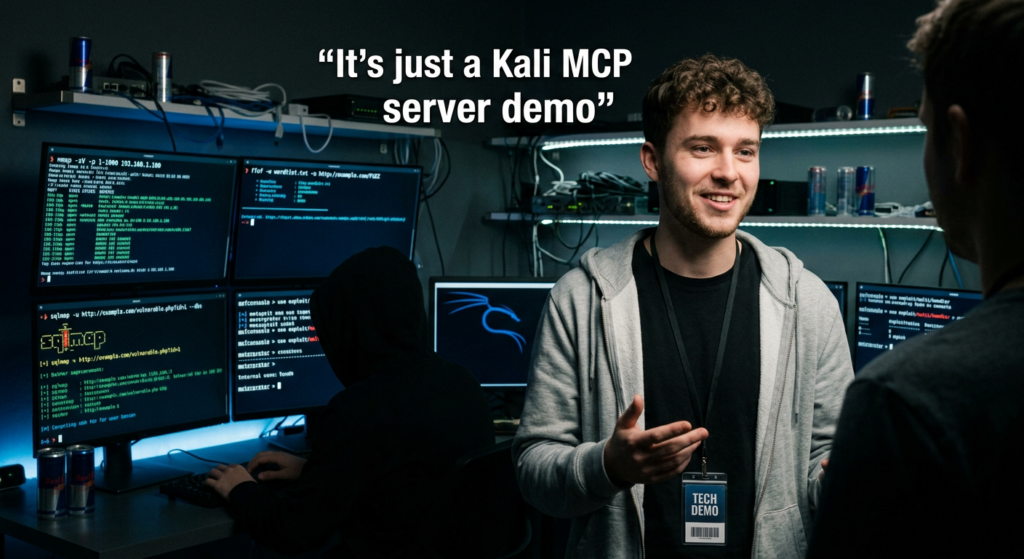
High-Impact Vulnerability Hunting, Tracking CVE-2024-3400 and CVE-2024-3094
The true test of a Kali MCP server lies in its ability to hunt down critical vulnerabilities rapidly. When a zero-day drops or a high-impact CVE is published, security teams face a race against time to map their external attack surface.
Hunting CVE-2024-3400, Palo Alto PAN-OS Command Injection
CVE-2024-3400 is an unauthenticated OS command injection vulnerability in the GlobalProtect feature of Palo Alto Networks PAN-OS software, carrying a maximum CVSS score of 10.0.
Through the MCP interface, a security engineer does not need to manually configure payloads or construct curl requests. The interaction flows conversationally:
Engineer Prompt:
“I need to verify if any of our perimeter edge gateways are vulnerable to CVE-2024-3400. Query our asset inventory list, identify endpoints running Palo Alto GlobalProtect, and execute a non-intrusive Nuclei template to check for the command injection vulnerability.”
Kali MCP Server Execution Flow:
- Context Retrieval: The LLM accesses a separate MCP tool connected to the internal asset database to extract a list of edge gateway IPs.
- 지문 인식: The LLM triggers the
execute_nmap_scantool to confirm ports 443 are active and identifying standard PAN-OS SSL certificates. - Vulnerability Verification: The LLM invokes the
execute_nucleitool, passing the specifict cves/2024/CVE-2024-3400.yamltemplate against the identified targets. - Reporting: The LLM parses the Nuclei output. If an indicator of compromise (IoC) or a positive hit is found, it immediately structures a markdown report highlighting the vulnerable endpoint and the specific HTTP request that triggered the flaw.
Analyzing the Supply Chain, The CVE-2024-3094 XZ Utils Backdoor
Similarly, CVE-2024-3094, the malicious supply chain backdoor discovered in xz-utils affecting the sshd daemon, requires widespread internal auditing.
Using the Kali MCP server, the LLM can be instructed to run concurrent SSH banner-grabbing scripts across an entire subnet (10.0.0.0/16), identifying any systems running the vulnerable liblzma versions tied to specific OpenSSH builds. The AI handles the concurrency, timeout management, and data aggregation—tasks that would take a human engineer hours to script and debug perfectly.
Scaling AI Penetration Testing, Why Enterprise Teams Transition to Penligent.ai
While deploying a custom Kali MCP server provides an incredible sandbox for individual researchers and red teamers, scaling this architecture for enterprise-wide continuous security validation introduces severe operational friction.
Maintaining a local MCP server requires manually updating Python dependencies, continuously writing new tool wrappers as CLI arguments change, managing rigid Docker networking for lateral movement, and relying on consumer-grade chat interfaces that lack role-based access control (RBAC) and audit logging. A single LLM session is ephemeral; once the chat window closes, the historical context and the generated attack paths are lost.
For organizations serious about operationalizing agentic security, transitioning from a localized Kali MCP deployment to a centralized platform like Penligent.ai is the necessary evolution.
Penligent.ai is an AI intelligent penetration testing platform that productizes the raw capability of LLM-driven security tools into a highly scalable, enterprise-grade architecture. Rather than forcing your security engineers to write FastMCP decorators and debug SSH standard input/output streams, Penligent provides a unified, continuous automated penetration testing ecosystem.
- Zero-Configuration Infrastructure: Penligent manages the isolated execution environments natively. There is no need to deploy custom Kali Docker containers or expose SSH keys across your network.
- Persistent Attack Context: Unlike a stateless Claude Desktop session, Penligent maintains long-term memory of your attack surface, understanding how a low-severity information disclosure found last month links to a new RCE published today.
- Comprehensive Tool Integration: The platform features out-of-the-box, deep integrations with thousands of security tools, far surpassing the manual mapping required in a self-hosted MCP setup.
- Automated Remediation and Reporting: Penligent translates highly technical execution logs into actionable, compliance-ready reports instantly, saving hundreds of hours in documentation.
When an enterprise needs to move from a “proof-of-concept AI terminal” to a fully autonomous red team, Penligent represents the apex of that transition.
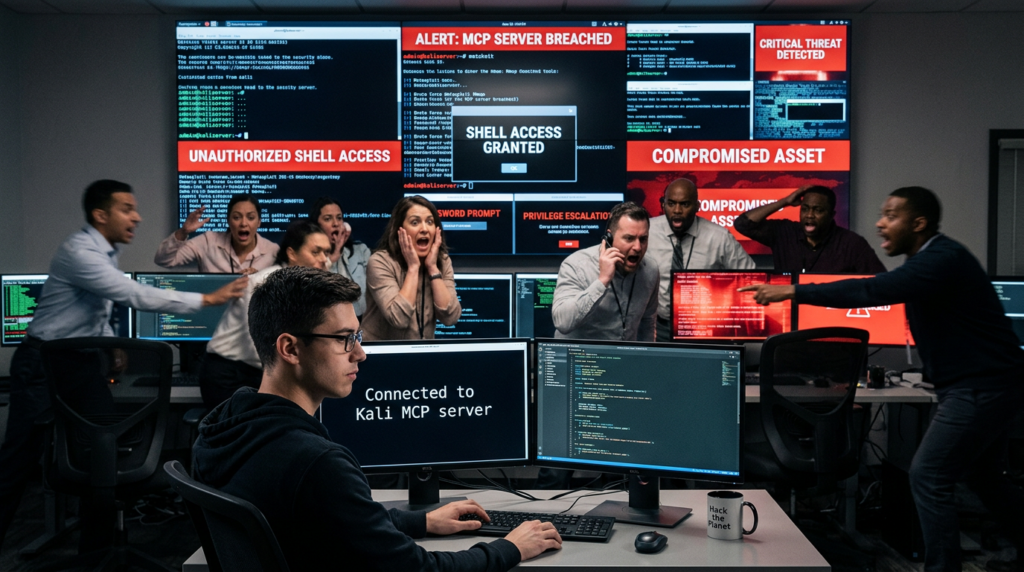
Security and Sandboxing, Hardening Your Agentic Pentest Environment
Giving an autonomous AI model root access to a Kali Linux terminal is inherently dangerous. Hallucinations, misinterpretations of target scope, or malicious prompt injections can lead to catastrophic consequences, ranging from accidental denial of service to the deletion of critical host files (rm -rf /).
Hardening the Kali MCP server is non-negotiable.
1. Strict Command Whitelisting
Never allow the LLM to execute raw shell commands (subprocess.run(command, shell=True) is an absolute vulnerability). The MCP server must explicitly define the allowed binaries, the permitted flags, and strongly type the inputs. Use Python’s shlex module to sanitize all string inputs before they are passed to the subprocess layer.
2. Network Segmentation
The Kali instance hosting the MCP server should be placed in a dedicated VLAN with strict egress filtering. If the AI is instructed to test a specific web application, the firewall should prevent the Kali instance from pivoting into the internal corporate network unless explicitly authorized by the test scope.
3. Linux Capabilities and Seccomp Profiles
If running the MCP server within Docker, drop all unnecessary Linux capabilities.
YAML
# docker-compose.yml security context example services: kali-mcp: image: custom-kali-mcp cap_drop: - ALL cap_add: - NET_RAW # Required for Nmap SYN scans security_opt: - no-new-privileges:true
By implementing seccomp profiles and leveraging AppArmor, you restrict the execution environment so that even if the AI orchestrates an exploit against the container itself, privilege escalation remains mathematically improbable.
Conclusion, The Future of Autonomous Security Operations
The integration of the Model Context Protocol with Kali Linux marks the death of the “execute and wait” era in cybersecurity. We have entered a phase where intent generates immediate, contextually aware technical action.
Deploying a Kali MCP server transforms an LLM from a passive knowledge base into an active, aggressive, and highly capable penetration testing partner. However, managing the infrastructure, maintaining the tool wrappers, and ensuring the absolute security of the execution layer remains a complex engineering challenge. As the industry moves forward, the reliance on fragmented local setups will inevitably give way to comprehensive, highly integrated AI platforms, allowing security engineers to focus purely on strategic defense rather than infrastructure management.
추가 읽기
- Model Context Protocol Official Documentation: Read the core specifications and architecture guidelines directly from the creators at Anthropic to understand server-client schemas.
- Kali Linux Official Documentation: For comprehensive details on package management, network configurations, and utilizing the hundreds of built-in security tools safely within containerized environments.
- NVD – NIST: Track the latest information and CVSS scores regarding CVE-2024-3400 그리고 CVE-2024-3094 to build highly targeted Nuclei templates for your MCP execution layer.
- Scaling AI Security Workflows: Explore how to transition from local setups to enterprise-wide continuous automated penetration testing via the Penligent Architecture Blog.
- Penligent Core Platform: Discover the full capabilities of AI-driven vulnerability discovery and continuous red-teaming at Penligent.ai.

 Korean
  English
  German
  French
  Spanish
  Portuguese
  Japanese
  Hindi
Hindi  Arabic
  Turkish
  Hebrew