
Chrome 156 needs a relaunch and version check, not just a download notification. Google’s October 20, 2026 desktop Stable release lists 353 security fixes, including six marked Critical. The listed desktop builds are 156.0.8078.47 for Linux and 156.0.8078.47/.48 for Windows and Mac. A user seeing an update prompt may still be running the old browser process.
The announcement lists defects across Skia, Accessibility, CSS, Paint and WebRTC. It does not say all 353 issues are remotely exploitable or all six critical entries have been used in attacks. Bug details may be restricted while users update. Treat these as a patch priority without turning missing details into invented exploit chains.

Six critical entries, different components
The table lists the Critical entries in Google’s desktop Stable announcement; it is not a list of independently reproduced exploits.
| CVE | Component and Google description | What can be concluded |
|---|---|---|
| CVE-2026-113341 | Skia memory corruption | Critical in the release notice; exploit prerequisites undisclosed |
| CVE-2026-113279 | Accessibility memory corruption | Critical; not a claim of exploitation |
| CVE-2026-113072 | CSS memory corruption | Critical; chain not established |
| CVE-2026-113280 | Paint memory corruption | Critical; impact depends on context |
| CVE-2026-113271 | Accessibility use-after-free | Critical; no public reproduction asserted here |
| CVE-2026-113303 | WebRTC memory corruption | Critical; no attack telemetry implied |
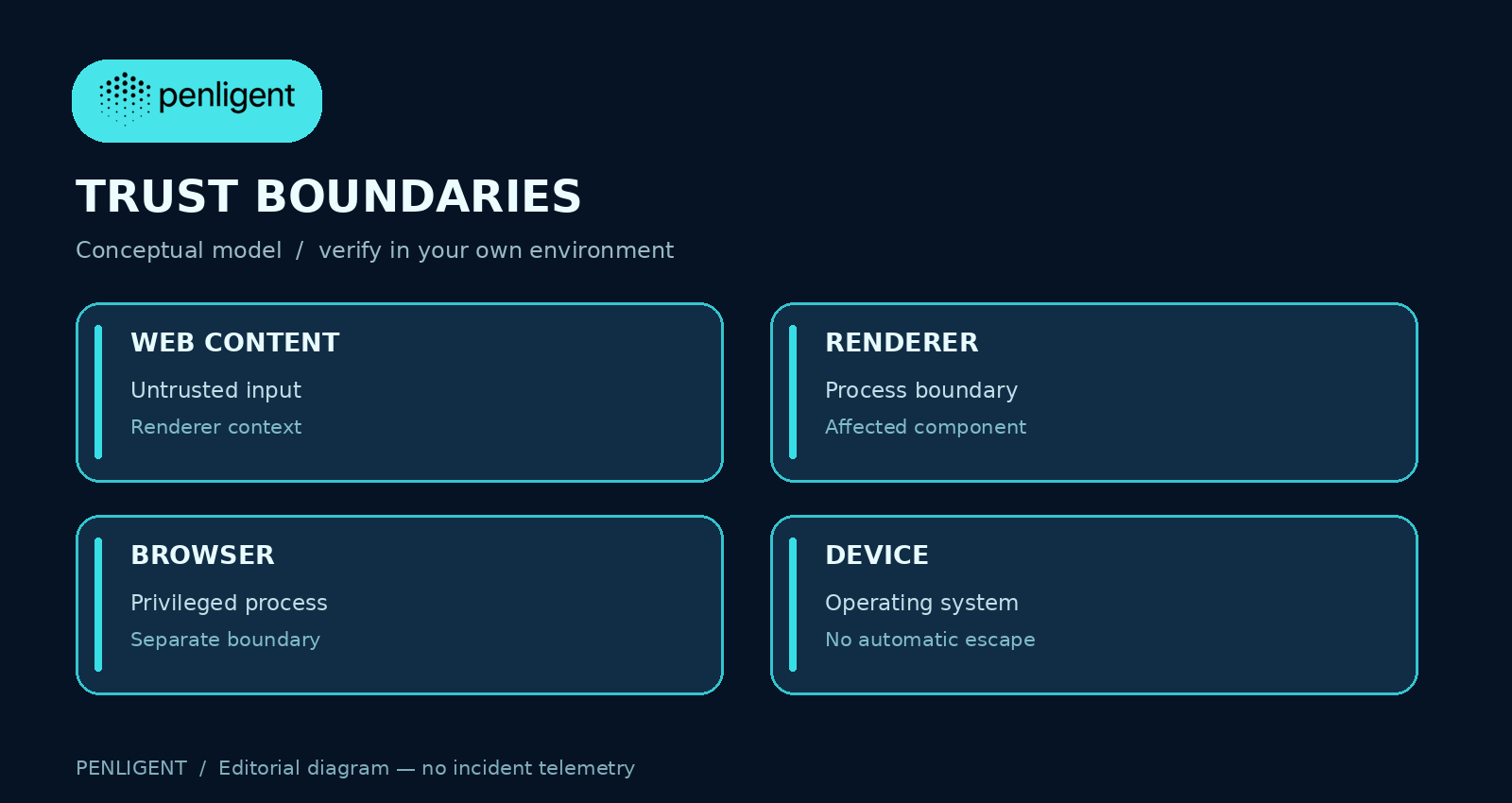
A browser has multiple processes and privilege boundaries, as described in the Chromium architecture. A memory-corruption bug in one component does not by itself prove an attacker gained browser-process privileges or escaped the operating-system sandbox. Conversely, the lack of public exploit details is not a reason to leave a vulnerable build deployed.
Verify the active version on a device
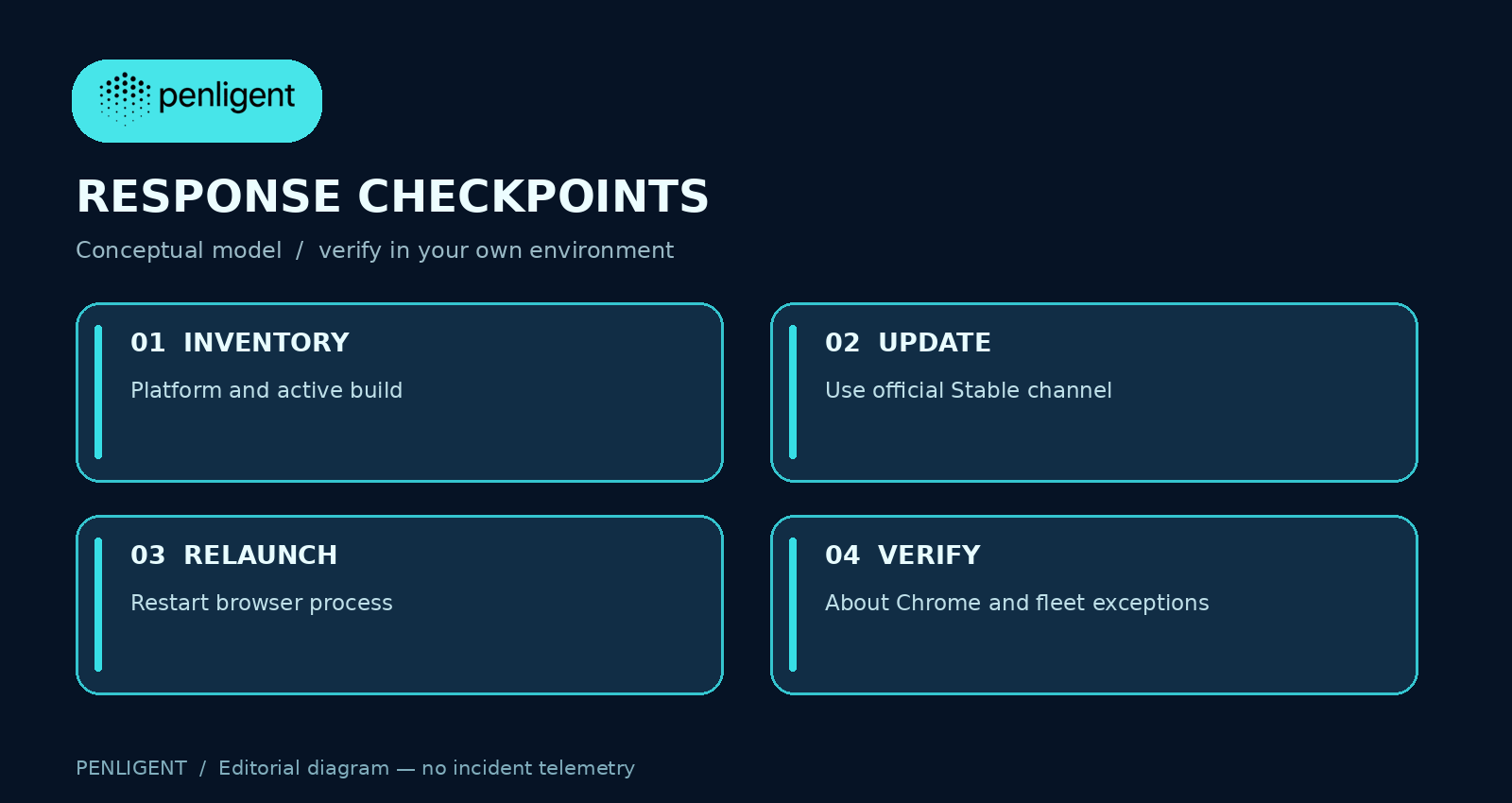
Google’s update instructions direct desktop users to Chrome’s About page and relaunch when the update is ready. Reopen About Chrome after restart and compare the displayed version with the release notice for that platform. Linux distribution channels can have different delivery timing; managed fleets should use their own update and inventory reporting to identify devices still running older builds.
A device inventory should store platform, observed version, observation time and restart state. If an update is staged but the browser process has not restarted, track that device separately. Retain the normal change window for important work, but do not mark a download event as a completed fix. ChromeOS and mobile releases follow their own channels; do not apply the desktop version tuple to them.
Read-only fleet record example
Device: browser-042
Platform: Windows
Observed Chrome version: 156.0.8078.48
Observed after relaunch: yes
Observation time: 2026-10-22T09:00:00+08:00
Exception owner and deadline: none
That record is a format example, not a scan result. In a managed fleet, compare genuine inventory output to the platform-specific release, then investigate the exceptions. An old profile can be reopened under a current binary; the actual active version is the test that matters.
What to do if a suspicious session existed before patching
A browser update closes the fixed code paths going forward; it does not retroactively prove a previous session was safe. Preserve narrowly scoped event and identity records if there is a concrete incident signal. Review unusual extensions, downloads and account activity under your response procedure. Avoid declaring compromise from a crash alone or declaring cleanliness because the latest version now displays.
Penligent can support an authorized test of your own web application, such as access-control checks with dedicated accounts. That is separate from Chrome fleet patch management, and this page does not claim a browser endpoint detector or a proof of exploitation.
Chrome 156 questions
Does the update apply to every Chrome platform
- This notice is desktop Stable. Check the relevant release channel for mobile or ChromeOS.
Are the 353 fixes all actively exploited
- The announcement does not establish that. It lists fixes and six critical entries.
Is an update prompt sufficient
- Verify the browser has relaunched and its active version meets the platform-specific build.
Does a Skia flaw equal sandbox escape
- No. The published component label alone does not establish a complete attack chain.
The video introduces authorized web-application testing, a separate activity from browser updates.
사용 official release entry as the version reference and record the active build after relaunch. Keep devices with uncertain or old versions in an explicit exception list.


 Korean
  English
  German
  French
  Spanish
  Portuguese
  Japanese
  Hindi
Hindi  Arabic
  Turkish
  Hebrew