
Adobe pushed an emergency Acrobat and Reader update on April 11, 2026 for CVE-2026-34621, a prototype pollution flaw that can lead to arbitrary code execution in the context of the current user. Adobe also said the bug was already being exploited in the wild, and CISA added it to the Known Exploited Vulnerabilities catalog on April 13 with an April 27 remediation deadline for federal civilian agencies. That puts this issue in the small class of client-side document bugs that move immediately from patch bulletin to operational priority. (helpx.adobe.com)
What makes CVE-2026-34621 worth studying is not just the vendor urgency. The public record shows a more interesting pattern: a malicious PDF with heavily obfuscated JavaScript, an initial stage that fingerprints the victim and steals local data, evidence of follow-on code delivery from attacker infrastructure, and a weakness class that maps to Adobe Reader’s long-standing JavaScript and privileged API surface. Public reporting also suggests the campaign was not a one-day smash-and-grab. Samples and variants appear to have circulated for months before Adobe shipped a fix. (justhaifei1.blogspot.com)
As of April 14, 2026, the high-confidence facts are these. Adobe identifies the bug as CWE-1321, improperly controlled modification of object prototype attributes, commonly called prototype pollution. Affected products include Acrobat DC Continuous and Acrobat Reader DC Continuous through 26.001.21367, plus Acrobat 2024 Classic through 24.001.30356. The fixed builds are 26.001.21411 for the DC line, 24.001.30362 on Windows for Acrobat 2024, and 24.001.30360 on macOS for Acrobat 2024. Adobe revised the CVSS vector on April 12 from AV:N to AV:L, lowering the score from 9.6 to 8.6, because exploitation requires the victim to open a malicious file. None of that reduces the real-world urgency of patching. (helpx.adobe.com)
CVE-2026-34621, the facts that matter
At the vendor level, Adobe’s advisory is concise but clear. It says the vulnerability is critical, that successful exploitation can lead to arbitrary code execution, and that Adobe is aware of exploitation in the wild. The bulletin also credits Haifei Li of EXPMON for reporting the issue. The NVD entry tracks the same vulnerability, records the CVSS 3.1 vector as AV:L/AC:L/PR:N/UI:R/S:C/C:H/I:H/A:H, and mirrors CISA’s KEV status and deadline. (helpx.adobe.com)
The public record is more useful if you separate vendor-confirmed statements from researcher-observed behavior. Adobe confirms the weakness class, impact, affected versions, fixed versions, and in-the-wild exploitation. Researchers add the campaign texture: the malicious sample names, the fingerprinting behavior, the remote infrastructure, the suspected targeting, and the apparent use of Adobe’s privileged APIs. Those details matter for defenders, but they do not mean Adobe has publicly published a full root-cause analysis or a detailed patch diff. As of now, the bulletin does not expose that level of implementation detail. (helpx.adobe.com)
Here is the operational version matrix defenders actually need:
| Product line | 영향을 받는 버전 | Fixed version | 플랫폼 |
|---|---|---|---|
| Acrobat DC, Continuous | 26.001.21367 and earlier | 26.001.21411 | Windows and macOS |
| Acrobat Reader DC, Continuous | 26.001.21367 and earlier | 26.001.21411 | Windows and macOS |
| Acrobat 2024, Classic | 24.001.30356 and earlier | 24.001.30362 on Windows, 24.001.30360 on macOS | Windows and macOS |
Version data from Adobe’s APSB26-43 bulletin and the NVD CPE mapping. (helpx.adobe.com)
The date sequence is just as important as the version sequence. Adobe published APSB26-43 on April 11, 2026. On April 12 it corrected the CVSS attack vector from network to local. On April 13, CISA added the issue to KEV and set April 27 as the due date for federal remediation. That means any patching program that waits for a regular desktop cycle is already behind the decision curve. (helpx.adobe.com)
Why prototype pollution in Adobe Reader matters
Prototype pollution is often explained with web app examples, but that framing is too narrow for this case. The core problem is that JavaScript object inheritance can be altered in ways the original code never intended. When the execution environment is security-sensitive, polluted prototypes can change behavior far beyond a single function call. Adobe’s own SDK documentation makes clear that Acrobat and Reader expose a meaningful JavaScript environment: processing forms, implementing security policies, interacting with web services, and customizing document and application behavior are all part of the supported model. That is exactly why a JavaScript-origin flaw inside a desktop PDF client deserves the same respect defenders already give to browser-side and Node.js runtime bugs. (opensource.adobe.com)
A helpful way to think about this class is to stop imagining “a PDF file” as a passive page container. Modern PDF workflows can include forms, scripting, web-linked behaviors, embedded objects, and document events. Adobe’s own Enhanced Security documentation says PDFs have evolved far beyond static pages and that scripting and other advanced capabilities create exposure to malicious scripts or actions. In other words, the platform is explicitly powerful enough that when its JavaScript control surface is broken, the result is not cosmetic corruption. It is a security boundary problem. (helpx.adobe.com)
That still does not mean every prototype pollution flaw in a PDF reader automatically becomes code execution. The exact jump from polluted object state to privileged action depends on implementation specifics that Adobe has not publicly documented. But Adobe has already confirmed the end result here: arbitrary code execution in the current user context. Public reporting around the observed samples suggests the exploit chain also intersects privileged API access and sandbox restrictions, which is consistent with why the same weakness class feels much more severe in a Reader-like environment than in a toy script parser. (helpx.adobe.com)
For defenders, the practical lesson is straightforward. Prototype pollution is not “just a developer bug.” In a document client that supports JavaScript, trusted locations, network interaction, and privileged execution pathways, it can become a staging point for data theft, environmental fingerprinting, policy bypass, and second-stage delivery. CVE-2026-34621 is a case study in exactly that progression. (opensource.adobe.com)
How the observed CVE-2026-34621 campaign worked
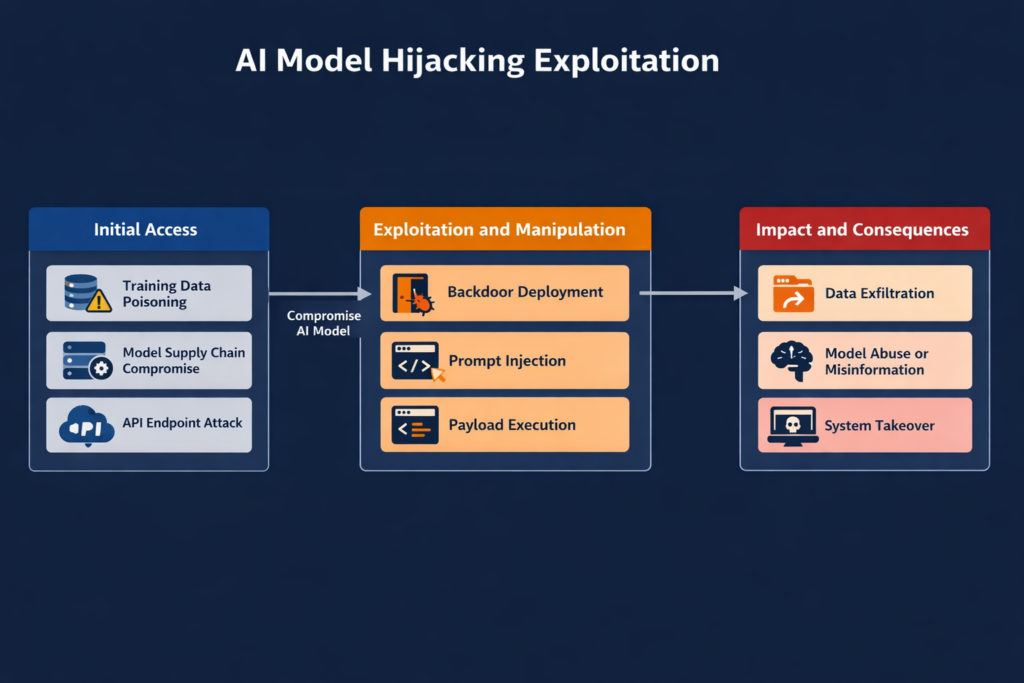
The most valuable public technical narrative comes from Haifei Li’s EXPMON write-up, later reinforced by BleepingComputer, Help Net Security, Sophos, and SecurityWeek. According to Li, EXPMON received a PDF sample on March 26, 2026 that triggered its deeper behavioral detection logic. Li tested it on the latest Reader version available at the time and said it still worked. His analysis described the sample as an initial exploit capable of collecting and leaking local information, with potential follow-on remote code execution and sandbox escape stages delivered later from attacker infrastructure. (justhaifei1.blogspot.com)
That distinction between the initial stage and the possible later stage matters. Public reporting does not show a clean, universally reproducible, public second-stage payload. Li explicitly says the attacker-controlled server did not deliver the RCE or sandbox escape portion during his tests, which he interpreted as evidence of a fingerprinting-style campaign. He then modified the code path to point to his own server and demonstrated that the Reader client would execute JavaScript returned by that server. He also modified the exploit to read a local file and send it to his controlled system. Those experiments show capability. They do not by themselves fully reconstruct the attacker’s production chain, but they do confirm that the initial foothold was not merely theoretical. (justhaifei1.blogspot.com)
The behavioral sequence visible in public reporting looks like this:
| 스테이지 | Publicly observed behavior | Confidence level |
|---|---|---|
| Delivery | Victim receives or downloads a malicious PDF | 높음 |
| 트리거 | Opening the PDF executes obfuscated JavaScript | 높음 |
| 지문 인식 | Script collects OS, language, Reader version, and local path data | 높음 |
| Exfil or callback | Data is sent to attacker-controlled infrastructure | 높음 |
| Second-stage retrieval | Server can return additional JavaScript or exploit logic | High for capability, lower for full attacker payload visibility |
| Full RCE or sandbox escape | Adobe confirms code execution is possible, but public second-stage details remain incomplete | High for impact, medium for public chain detail |
The underlying evidence comes from EXPMON’s public testing notes, BleepingComputer’s summary of the observed sample, and Adobe’s later confirmation that exploitation can result in arbitrary code execution. (justhaifei1.blogspot.com)
The reported lure material adds more context. BleepingComputer said researcher Gi7w0rm observed Russian-language lure documents tied to the oil and gas sector. Sophos likewise said the lures appear related to the Russian oil and gas sector and argued that the campaign looks targeted rather than opportunistic. That does not prove attribution, and public reporting has not established a named threat actor as of April 14, 2026. But it does matter operationally because targeted document campaigns often persist longer, evolve quietly, and rely more heavily on victim selection logic than commodity malspam waves. (컴퓨터)
One of the most useful details in the public record is that the malicious PDF used heavy JavaScript obfuscation and was not initially flagged broadly by security engines. BleepingComputer reported that only five of sixty-four vendors detected the sample on VirusTotal at the time it appeared there. That is exactly the kind of statistic that should make defenders cautious about over-relying on static attachment filtering when the attachment format is one the business treats as routine. (컴퓨터)
There is also a timeline lesson hidden in the sample trail. Li’s April 8 update said a variant found by another researcher had appeared on VirusTotal on November 28, 2025, implying an ongoing campaign of roughly four months at minimum. SecurityWeek, Help Net Security, The Hacker News, and Sophos all echoed the point that exploitation likely predated public disclosure by months. When client-side document bugs survive that long, the problem is rarely “patch faster” alone. It is “detect better, trust less, and validate the assumptions around office document safety.” (justhaifei1.blogspot.com)
The API clues that make the exploit behavior plausible
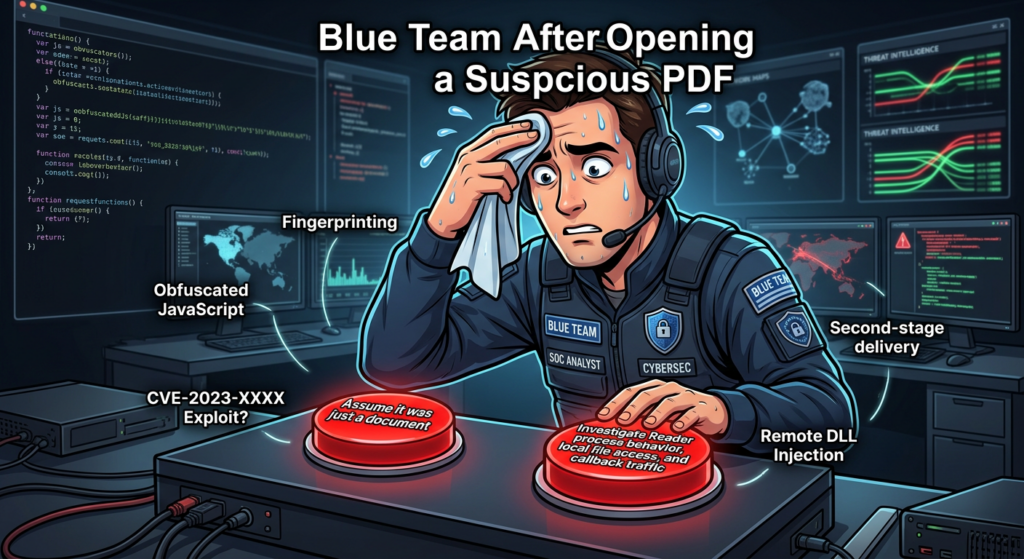
Public reporting repeatedly mentions two Acrobat-side primitives: util.readFileIntoStream() 그리고 RSS.addFeed(). BleepingComputer says the observed exploit abused those APIs to read arbitrary local files, exfiltrate data, and fetch additional attacker-controlled code. Help Net Security similarly reported that defenders should watch for PDF JavaScript calling RSS.addFeed() 또는 util.readFileIntoStream(). (컴퓨터)
Those claims line up with Adobe’s own documentation in a meaningful way. Adobe’s JavaScript API change log says readFileIntoStream loads an external file into a JavaScript stream. Adobe’s Tracker API documentation says RSS.addFeed adds a URL-based feed to subscriptions managed by Acrobat and can retrieve the contents of that subscription. On their own, those APIs are product features. Inside a malicious execution path, they can become building blocks for local file access and network communication. (opensource.adobe.com)
That does not prove the full exploit is “just API abuse.” The public evidence instead suggests a more important security finding: the malicious PDF was able to reach behavior that should have remained tightly constrained. In a healthy Reader security model, document-origin JavaScript should not casually read local files or conduct unrestricted network callbacks in a way that turns an opened PDF into a reconnaissance implant. The fact that researchers saw those effects is what makes the prototype pollution label consequential instead of academic. (opensource.adobe.com)
Why the CVSS dropped and why your patch priority should not
Adobe’s revision from AV:N 에 AV:L is one of the more interesting administrative details in this case. The initial score was 9.6. Adobe later corrected the attack vector to local, lowering the score to 8.6. On paper, that is a major scoring change. In operations, it is mostly a taxonomy fix. The attack still reaches the victim through normal enterprise channels such as email attachments, file-sharing links, chat-delivered documents, or downloaded PDFs. The key distinction is that the exploit triggers when the file is opened locally by the user, not by a purely remote service interaction. (helpx.adobe.com)
That distinction is useful if you build risk models or SLA tiers. It is much less useful if you are the team responsible for desktop exposure. A local-open client exploit in a ubiquitous document reader is still one click away from compromise, and the click is often embedded in ordinary business workflow. Federal agencies are not being told to ignore it because it is “only AV:L.” CISA added it to KEV anyway. That should settle the prioritization debate for most organizations. (nvd.nist.gov)
A better mental model is this. There are two separate surfaces in play: the distribution surface and the trigger surface. Email or web delivery gives the attacker remote reach. File-open semantics give the exploit its local trigger classification. Both are true at the same time. The score changed because CVSS needs one primary trigger label. Your desktop hardening plan should not change because the lure still arrives exactly where users already trust documents too much. (helpx.adobe.com)
Adobe Reader security features, and where this exploit cut across them
Adobe has spent years layering security into Acrobat and Reader. The names matter because they are often confused in enterprise policy discussions.
Protected View is the visible sandbox layer for untrusted PDFs. Adobe says it opens PDFs from potentially unsafe locations in a restricted environment, prevents some harmful actions, blocks JavaScript execution and form filling, and requires explicit user trust to enable all features. Protected Mode is the quieter background sandboxing layer, enabled by default in Acrobat Reader, intended to restrict file access and system interaction. Enhanced Security adds policy-based restrictions and warning behavior, especially around untrusted files, locations, and cross-domain or privileged operations. (helpx.adobe.com)
That stack is the reason many defenders instinctively assume a malicious PDF must be “contained enough” to buy time. CVE-2026-34621 is a useful reminder that those controls reduce risk, but do not eliminate it when the bug lives close to the execution and privilege model itself. EXPMON described the observed exploit as invoking privileged Acrobat APIs. BleepingComputer summarized it as bypassing sandbox restrictions and invoking privileged JavaScript APIs. That is exactly the kind of statement that should make desktop defenders re-check whether they have drifted into assuming the sandbox is the patch. It is not. The patch is the patch. The sandbox is the seatbelt. (justhaifei1.blogspot.com)
Adobe’s own security documentation adds another practical point that often gets missed during policy tuning: trusted locations and trusted files can bypass parts of Enhanced Security. Adobe explicitly says privileged locations can include files, folders, and host domains, and that content from those locations is treated as trusted. In many enterprises, those trust lists grow too large over time because line-of-business workflows complain. That can create a situation where a control that looks strong on paper is softened by operational exception sprawl. CVE-2026-34621 is a strong reason to audit those exceptions. (helpx.adobe.com)
There is also a platform nuance worth noting. Adobe says sandbox protection on macOS has been rolled out in phases and may not be available to all users. That does not mean macOS users are automatically less protected in every case, but it does mean cross-platform fleets should verify actual policy state and product behavior instead of assuming that a Windows policy deck maps perfectly to Mac endpoints. (helpx.adobe.com)
CVE-2026-34621 detection and threat hunting
The public indicators for this campaign are useful, but only if you use them the right way. Known IPs, domains, and file hashes are good for rapid triage. They are not enough for durable defense. Sophos published a strong starting indicator set: the sample hashes for yummy_adobe_exploit_uwu.pdf 그리고 Invoice540.pdf, the domain ado-read-parser[.]com, the IP endpoints 169.40.2.68:45191 그리고 188.214.34.20:34123및 Adobe Synchronizer user-agent string. Sophos also warns that IP addresses may be reallocated, which is exactly the right caution. (SOPHOS)
The higher-value hunt is behavioral. BleepingComputer and Help Net Security both highlight Adobe-side processes and APIs as detection anchors. If a user opens a PDF and Reader-related processes immediately make outbound connections, read unusual local files, or exhibit collaboration/synchronization behavior that does not fit the document’s business purpose, you have a much stronger analytic path than one IOC match. Watching AdobeCollabSync.exe, AcroRd32.exe, Acrobat.exe, or equivalent product processes for outbound network activity shortly after document open is especially useful in environments where Reader normally operates with limited network dependence. (컴퓨터)
The following hunting table maps the public record into a more reusable form:
| Hunt area | High-value signal | 중요한 이유 | 제한 사항 |
|---|---|---|---|
| 네트워크 | Adobe Synchronizer user-agent | Public reporting ties it to the attacks | Attackers can change it |
| 네트워크 | ado-read-parser[.]com or the two published IPs | Known campaign infrastructure | Short-lived or reallocated |
| Endpoint process | Reader or Adobe sync process opening outbound connections after PDF open | Fits observed callback pattern | Needs good process-network telemetry |
| File behavior | Reader-side access to unrelated local files after opening a PDF | Consistent with readFileIntoStream abuse | Hard without EDR or Sysmon-style telemetry |
| Content triage | PDF JavaScript, /OpenAction, util.readFileIntoStream, RSS.addFeed | Good for reversing or mail triage | Obfuscation and variants reduce coverage |
| Version posture | Vulnerable Acrobat/Reader build still installed | The simplest exposure signal | Does not prove compromise |
IOC and behavior references come from Sophos, EXPMON, BleepingComputer, and Adobe documentation on Reader scripting and security features. (SOPHOS)
A practical Splunk search to start with is this:
index=proxy OR index=network
(
  user_agent="*Adobe Synchronizer*"
  OR dest_domain="ado-read-parser.com"
  OR dest_ip="169.40.2.68"
  OR dest_ip="188.214.34.20"
)
| stats earliest(_time) as first_seen latest(_time) as last_seen values(user_agent) values(dest_domain) values(dest_ip) by src_ip src_user process_name
This query is deliberately narrow. It is good for quick scoping and retrospective validation after an alert or exposure notice. It is not a full hunt. It will miss infrastructure shifts and any sample that does not reuse the published indicators.
A more durable process-network query might look like this:
index=edr OR index=sysmon
(
  process_name="AcroRd32.exe"
  OR process_name="Acrobat.exe"
  OR process_name="AdobeCollabSync.exe"
)
(
  event_type="network_connection"
  OR EventCode=3
)
| stats count min(_time) as first_seen max(_time) as last_seen values(dest_ip) values(dest_port) values(dest_domain) by host user process_name parent_process_name command_line
That query does not assume any single IOC. Instead, it asks a better operational question: which Reader-related processes are talking to the network at all, and under what parent-child or user context? In many fleets, just building that baseline will surface both malicious and noisy-but-legitimate exceptions that were never well documented.
A starting-point Sigma rule can also help:
title: Adobe Reader Or Acrobat Unexpected Network Activity
id: 97c8b9d0-9c0f-4f2a-8a59-adobe-reader-network
status: experimental
logsource:
  category: network_connection
  product: windows
detection:
  selection_proc:
    Image|endswith:
      - '\AcroRd32.exe'
      - '\Acrobat.exe'
      - '\AdobeCollabSync.exe'
  selection_ioc:
    DestinationHostname|contains:
      - 'ado-read-parser'
  selection_ip:
    DestinationIp:
      - '169.40.2.68'
      - '188.214.34.20'
  condition: selection_proc and (selection_ioc or selection_ip)
level: high
fields:
  - Image
  - DestinationIp
  - DestinationHostname
  - DestinationPort
  - CommandLine
falsepositives:
  - Rare legitimate Adobe synchronization or collaboration traffic
That rule is intentionally conservative. In production, the better version is usually broader on process image and narrower on environment-specific allowlists. The public IPs and hostnames are good bootstrap material, not the finished analytic.
Content inspection can help too, but only if analysts understand its limits. A simple YARA rule for extracted JavaScript or de-obfuscated PDF bodies might look like this:
rule Suspicious_Adobe_PDF_JS_Triage
{
  meta:
    description = "Triage rule for PDF JavaScript patterns seen in public reporting around CVE-2026-34621"
    author = "OpenAI"
    reference = "Public EXPMON, Sophos, and media reporting"
  strings:
    $openaction = "/OpenAction" ascii
    $js = "/JavaScript" ascii
    $read = "readFileIntoStream" ascii
    $rss = "RSS.addFeed" ascii
    $ua = "Adobe Synchronizer" ascii
  condition:
    2 of ($openaction, $js, $read, $rss, $ua)
}
This is useful for triage, malware-lab clustering, and mail gateway enrichment. It is not robust against serious obfuscation, and it will not catch behavior that is encoded, encrypted, or generated dynamically. Treat it as a flashlight, not a fence.
Patch verification and hardening for Acrobat and Reader fleets
The first job is obvious: get to the fixed builds. The second job is less obvious and often skipped: prove that you got there. Acrobat and Reader are frequently installed via different channels across the same organization, including self-service desktops, VDI images, golden images, admin-packaged deployments, and software management systems. CVE-2026-34621 is the kind of issue that punishes assumptions about uniformity. Adobe’s bulletin explicitly lists both user-driven update paths and managed-environment methods such as AIP-GPO, SCUP/SCCM, Apple Remote Desktop, and SSH. That is a reminder that the vendor expects patch distribution to be heterogeneous. Your validation should be too. (helpx.adobe.com)
A practical Windows PowerShell check can start with registry inventory:
$paths = @(
  'HKLM:\SOFTWARE\Adobe\Acrobat Reader',
  'HKLM:\SOFTWARE\WOW6432Node\Adobe\Acrobat Reader',
  'HKLM:\SOFTWARE\Adobe\Adobe Acrobat',
  'HKLM:\SOFTWARE\WOW6432Node\Adobe\Adobe Acrobat'
)

foreach ($path in $paths) {
  if (Test-Path $path) {
    Get-ChildItem $path -ErrorAction SilentlyContinue | ForEach-Object {
      $ver = (Get-ItemProperty $_.PSPath -ErrorAction SilentlyContinue).Version
      [PSCustomObject]@{
        ProductKey = $_.PSPath
        Version    = $ver
      }
    }
  }
}
The exact key layout varies by edition and packaging, so this is a starting point, not a universal inventory module. The important part is the workflow: collect product line, collect version, compare against the fixed build table, then drive remediation from facts instead of machine names.
On macOS, a lightweight local check can read application bundle versions directly, adjusting paths for your packaging standard:
for app in \
  "/Applications/Adobe Acrobat Reader.app" \
  "/Applications/Adobe Acrobat DC/Adobe Acrobat.app"
do
  if [ -d "$app" ]; then
    echo "App: $app"
    /usr/libexec/PlistBuddy -c 'Print :CFBundleShortVersionString' "$app/Contents/Info.plist"
  fi
done
Again, the point is not the exact path string. The point is to verify the installed bundle version on actual endpoints instead of assuming the MDM dashboard fully reflects local state.
Once patching is in motion, hardening should move in parallel.
First, verify that Protected Mode and Enhanced Security are actually enabled where your workflows allow. Adobe recommends enabling sandbox protection if it is not already enabled and says Acrobat and Acrobat Reader enable Enhanced Security by default. If users or application owners have disabled those features to fix business friction, that exception should be revisited immediately. (helpx.adobe.com)
Second, audit trusted locations and trusted hosts. Adobe’s documentation is clear that content in privileged locations is exempt from parts of Enhanced Security. Overly broad trust lists are one of the quietest ways to weaken a reader security model without meaning to. Shared drives, internal portals, and scanned-document repositories are especially worth reviewing because business users tend to over-trust them. (helpx.adobe.com)
Third, raise the standard for PDF ingress. Sophos recommended scanning PDF email attachments more aggressively, blocking suspicious files, and training users to be cautious with unsolicited PDFs before the official patch arrived. That advice still holds after the patch because today’s CVE is tomorrow’s variant or adjacent bug class. Document-borne initial access is not going away. (SOPHOS)
Fourth, do not normalize Adobe network activity without context. If collaboration features, synchronizers, or feed-like behaviors are common in your environment, document them properly. If they are rare, alert on them more aggressively. The same process image can be normal in one workflow and deeply suspicious in another.
Safe validation after patching
A well-run environment does not stop at “deployed the update.” It checks whether the environment now behaves differently under controlled conditions and whether the evidence path is good enough to support future incident review.
The safest validation flow is behavioral, not exploit-centric. Use a lab or isolated workstation. Confirm the installed version. Open a controlled suspicious-PDF test set or safe internal test artifacts designed to exercise the monitoring path, not to weaponize the bug. Watch for three things: unexpected Reader-related network traffic, unusual local file access patterns triggered at document open, and any signs that policy changes such as trusted locations or disabled protections are undermining the endpoint’s post-patch posture. The test is successful if it gives you confidence in controls and telemetry, not if it “pops calc.”
This is also where tooling discipline starts to matter more than buzzwords. If your validation workflow cannot preserve evidence, compare pre-patch and post-patch behavior, and produce a report another engineer can retest, you do not really have a vulnerability validation workflow. You have a chat transcript and some hope. Penligent’s public materials are relevant here in a narrow, practical sense. Its pricing page describes an end-to-end workflow from asset discovery to validation with evidence-backed report export, and its public article on AI pentest reporting argues that a useful report must survive retest rather than just look polished. That is the right standard for post-CVE operational work, regardless of which tooling stack a team uses. (penligent.ai)
A second Penligent page is unusually on-topic for this vulnerability class. Its public write-up on Java PDF exploit validation frames the problem defensively: detect suspicious PDF actions, abnormal process and network behavior, and version hardening posture without shipping live exploit code. That is exactly the mindset teams should bring to CVE-2026-34621. The goal is not to prove cleverness. It is to prove exposure, confirm mitigations, and preserve enough context that engineering can trust the answer. (penligent.ai)
What defenders should tell engineering, IT, and leadership
Engineering needs a narrow message. Update Acrobat and Reader to the fixed builds. Stop assuming PDFs are inert content. Review workflows that depend on trusted locations, Reader scripting, or relaxed desktop policies. Preserve enough logs to answer whether a PDF open led to outbound connections or local data access.
IT and endpoint teams need a different message. Treat this as a desktop emergency patch with policy implications. Verify version coverage across packaging channels. Confirm the state of Protected Mode and Enhanced Security. Review exception lists. Pay special attention to users who routinely open external PDFs as part of finance, legal, HR, procurement, or sector-specific document flows.
Leadership needs a third message. This is not a sensational “browser-level 0-day for everyone” story, but it is also not a niche lab bug. It is a good example of how a common client application, a familiar file format, and a targeted lure can combine into a high-confidence enterprise risk. The lesson is not just “patch faster.” It is “treat client document software as part of the real attack surface.”
Related CVEs that put CVE-2026-34621 in context
CVE-2026-34621 is not the first time Adobe Acrobat and Reader have been patched for an in-the-wild exploit. Adobe’s 2023 bulletin APSB23-34 covered CVE-2023-26369, an out-of-bounds write issue that Adobe also said had been exploited in limited attacks against Acrobat and Reader. That bug carried a different weakness class, but the operational theme was familiar: a mainstream document client, local-open exploitation semantics, arbitrary code execution risk, and a priority-1 patch. (helpx.adobe.com)
The point of bringing up CVE-2023-26369 is not to imply a common root cause. The publicly documented classes are different. The point is that Adobe Reader remains a serious target because it sits at a high-value junction: users trust PDFs, businesses rely on them, and the application exposes enough parsing and scripting complexity that client-side exploitation still pays. When organizations rank browser patches as urgent and Reader patches as optional, they are making a threat-model mistake. (helpx.adobe.com)
What public reporting still does not tell us
For all the useful public detail around CVE-2026-34621, there are still important unknowns. Adobe has not published a deep root-cause write-up or patch-diff explanation. Public reporting does not fully expose the attacker’s second-stage payloads or a complete sandbox escape chain. Attribution remains incomplete. The public record strongly supports targeted exploitation and staged fingerprinting, but it does not yet fully reveal the operator, the full victim set, or every branch of the exploit logic. (helpx.adobe.com)
That uncertainty should change how you read sensational headlines. Some reports before Adobe’s patch emphasized file theft and possible next-stage exploitation. Adobe’s bulletin later confirmed that the bug can lead to arbitrary code execution. Both can be true. The clean way to express it is this: the public evidence first showed privileged file access, callback behavior, and second-stage delivery capability; the vendor then confirmed that exploitation of the underlying vulnerability can result in arbitrary code execution. What is still missing is a full public technical bridge between those points. (justhaifei1.blogspot.com)
The real lesson of CVE-2026-34621
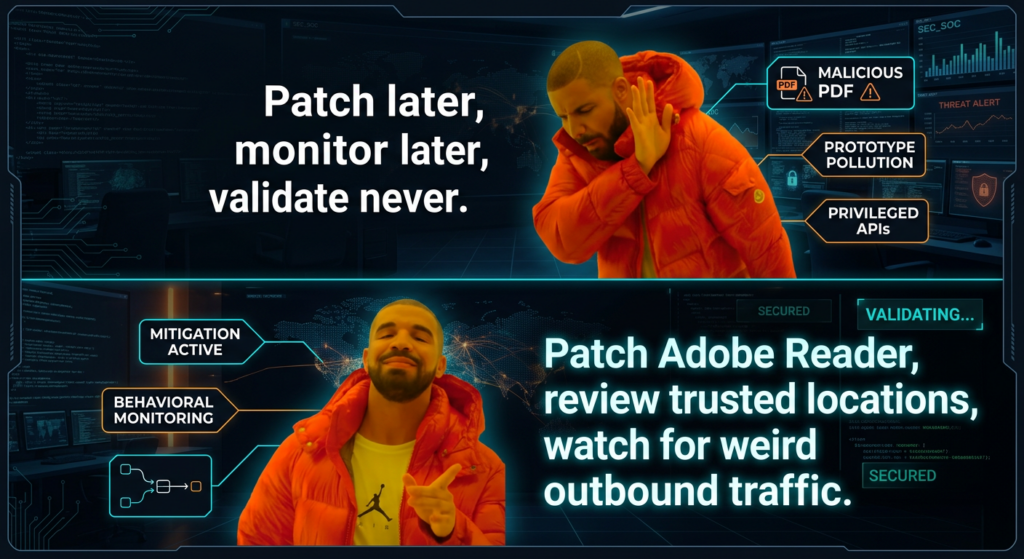
CVE-2026-34621 is a reminder that document security is not an old problem that the industry solved and forgot. PDFs remain an execution boundary problem whenever readers support scripting, trust models, local file access pathways, or privileged APIs. The attack delivery mechanism may look mundane. The failure mode is not. (opensource.adobe.com)
If your organization patches this bug and then moves on without reviewing Reader trust policy, endpoint telemetry, attachment handling, and post-patch validation, you have fixed the CVE but missed the lesson. The lesson is that client document software belongs in the same exposure conversation as browsers, email, collaboration platforms, and endpoint agents.
추가 읽기 및 참조 링크
Adobe security bulletin APSB26-43, the authoritative vendor advisory for affected versions, fixed builds, and Adobe’s in-the-wild statement. (helpx.adobe.com)
NVD entry for CVE-2026-34621, useful for the final CVSS vector, CWE mapping, and the CISA KEV status recorded in the entry. (nvd.nist.gov)
CVE Record for CVE-2026-34621, for the canonical CVE description. (cve.org)
EXPMON’s public research note by Haifei Li, the most important public source on the observed sample behavior, fingerprinting logic, and follow-on code delivery capability. (justhaifei1.blogspot.com)
Sophos CTU’s advisory, which is especially useful for concrete indicators such as hashes, infrastructure, and the Adobe Synchronizer user-agent. (SOPHOS)
Adobe documentation for Protected View, Protected Mode, and Enhanced Security, useful when reviewing desktop policy and trusted-location sprawl. (helpx.adobe.com)
Adobe’s APSB23-34 bulletin for CVE-2023-26369, a useful historical comparison point for another in-the-wild Acrobat and Reader RCE issue. (helpx.adobe.com)
Penligent’s public page on Java PDF exploit validation, relevant if you want a defensive workflow for testing malicious-PDF style exposure without publishing exploit logic. (penligent.ai)
Penligent’s public article on AI pentest reporting and its homepage and pricing pages, relevant for teams trying to turn desktop validation into retestable evidence rather than one-off screenshots. (penligent.ai)


 Korean
  English
  German
  French
  Spanish
  Portuguese
  Japanese
  Hindi
Hindi  Arabic
  Turkish
  Hebrew