
A Mac-compatible AI pentesting tool is not automatically an Apple Silicon-ready testing environment. The application, Python interpreter, execution worker and target can occupy different places. Your first evaluation should establish those boundaries before you judge any finding.
For a developer with an M-series Mac and an application to assess, the practical goal is small: launch a supported client, configure a known interpreter, complete a read-only authorization check and retain the account-specific evidence. This guide gives a documented setup path and an optional localhost rehearsal. It does not claim that the Penligent client was installed or that a report was generated during research.
Confirm Apple Silicon before choosing an installer
Penligent’s official installation documentation, checked on November 5, 2026, lists its macOS distribution as ARM. The current public download uses an ARM64 DMG filename. That supports writing an Apple Silicon setup guide; it does not establish an Intel Mac version, Rosetta support or a minimum macOS release.
Choose Apple menu → About This Mac and record the chip and macOS version. A chip labeled Apple M1, M2 or another M-series model is different from an Intel processor. Apple’s Mac computers with Apple silicon reference explains the distinction. If you have an Intel Mac, obtain an explicit supported route rather than assuming an ARM64 download will work.
uname -m
python3 -c 'import sys, platform; print(sys.executable); print(sys.version); print(platform.machine())'
The commands are diagnostics, not installation steps. A translated terminal process can complicate architecture output; keep the About This Mac hardware record as well as the interpreter output. Do not infer full application compatibility from one command returning arm64.
Compare native Mac routes without mixing architectures
| Candidate or baseline | Mac setup decision | What not to infer |
|---|---|---|
| Penligent | The documented Mac distribution is ARM, using a DMG and Applications workflow. | No Intel or Rosetta compatibility is established by the reviewed documentation. |
| Burp Suite | PortSwigger documents Mac Intel and Apple Silicon options. Its native platform installer is the relevant route for embedded-browser support on Apple Silicon; running the JAR on ARM64 does not provide that browser. | A working proxy/replay baseline does not establish autonomous AI coverage or access to every paid feature. |
| ZAP | The official download page separates Intel amd64 and Apple Silicon aarch64 installers and says its macOS installer includes Java 17. | Choose the correct package. Traditional proxy/scanner automation is not automatically an AI agent, and installer availability does not remove macOS trust checks. |
For a first comparison, use one candidate and a request-inspection baseline rather than installing a large stack. Verify the exact package and edition, then compare the same ownership rule and retained evidence. No installation timing or comparative detection test was performed for these tools.
Install through the documented DMG workflow
The documented sequence is to download the Mac DMG from the official product entry point, open it, drag Penligent into Applications, then launch the application from Applications. Do not keep evaluating a copy inside the mounted disk image and later confuse it with another installed build.
Record the client version you actually open. A filename can identify a candidate build but cannot prove that it was installed successfully, signed by the expected publisher or notarized. No signature or notarization verification was performed for this article.
If macOS blocks the application, review the source and your organization’s policy before proceeding. Apple’s guidance for safely opening apps is a better reference than copying commands that remove quarantine attributes or disable Gatekeeper. An unexplained warning is a stop condition, not an instruction to weaken the machine’s protections.
Give the desktop app an explicit Python path
A Mac can have a system interpreter, a package-manager interpreter and several virtual environments at once. A Terminal session finding python3 does not prove that a graphical application launched from Finder inherits the same environment.
The official environment setup uses a Python Executable Path field and Save. Run the diagnostic above with the intended interpreter and copy the full executable path it prints. Avoid guessing a Homebrew prefix: the right path is the one from your actual installation, not a hardcoded directory copied from someone else’s laptop.
If the interpreter architecture differs from the native ARM64 application, establish support before building an evaluation around it. Do not install an unrelated package bundle or modify system Python just to make a screenshot look complete. For the small standalone example below, Python 3.9 or later is sufficient; that is the example’s requirement, not a claim about every product dependency.
Rehearse an authorization boundary without scanning a real target
A disposable local service helps separate task design from product performance. The supplied companion fixture has two synthetic identities, each owning one project. It binds only to 127.0.0.1, supports read-only requests and intentionally returns no cross-tenant project data. There is no vulnerable mode to exploit.
If you do not have the companion file, the following compact alternative can be saved as authorization_demo.py. It uses only the Python standard library and starts a local, synthetic demonstration. Do not replace its tokens with production credentials or change its bind address to a public interface.
from http.server import BaseHTTPRequestHandler, HTTPServer
import json

ACCOUNTS = {
    'demo-alpha-only': {'account': 'alice', 'tenant': 'alpha'},
    'demo-beta-only': {'account': 'bob', 'tenant': 'beta'},
}
PROJECTS = {
    '/projects/p-alpha': {'id': 'p-alpha', 'tenant': 'alpha'},
    '/projects/p-beta': {'id': 'p-beta', 'tenant': 'beta'},
}

class Demo(BaseHTTPRequestHandler):
    def log_message(self, *_):
        pass

    def do_GET(self):
        account = ACCOUNTS.get(
            self.headers.get('Authorization', '').removeprefix('Bearer '))
        if self.path == '/health':
            status, data = 200, {'fixture': 'local-read-only'}
        elif not account:
            status, data = 401, {'error': 'authentication_required'}
        elif self.path == '/identity':
            status, data = 200, account
        else:
            project = PROJECTS.get(self.path)
            if project and project['tenant'] == account['tenant']:
                status, data = 200, project
            else:
                status, data = 404, {'error': 'not_found'}
        body = json.dumps(data).encode()
        self.send_response(status)
        self.send_header('Content-Type', 'application/json')
        self.send_header('Content-Length', str(len(body)))
        self.send_header('Cache-Control', 'no-store')
        self.end_headers()
        self.wfile.write(body)

server = HTTPServer(('127.0.0.1', 8765), Demo)
print('Synthetic localhost demo only. Ctrl+C stops it.', flush=True)
try:
    server.serve_forever()
except KeyboardInterrupt:
    pass
finally:
    server.server_close()
Start it with python3 authorization_demo.py. Leave that terminal open and run the following from another terminal:
curl -i http://127.0.0.1:8765/health
curl -i -H 'Authorization: Bearer demo-alpha-only' http://127.0.0.1:8765/projects/p-alpha
curl -i -H 'Authorization: Bearer demo-alpha-only' http://127.0.0.1:8765/projects/p-beta
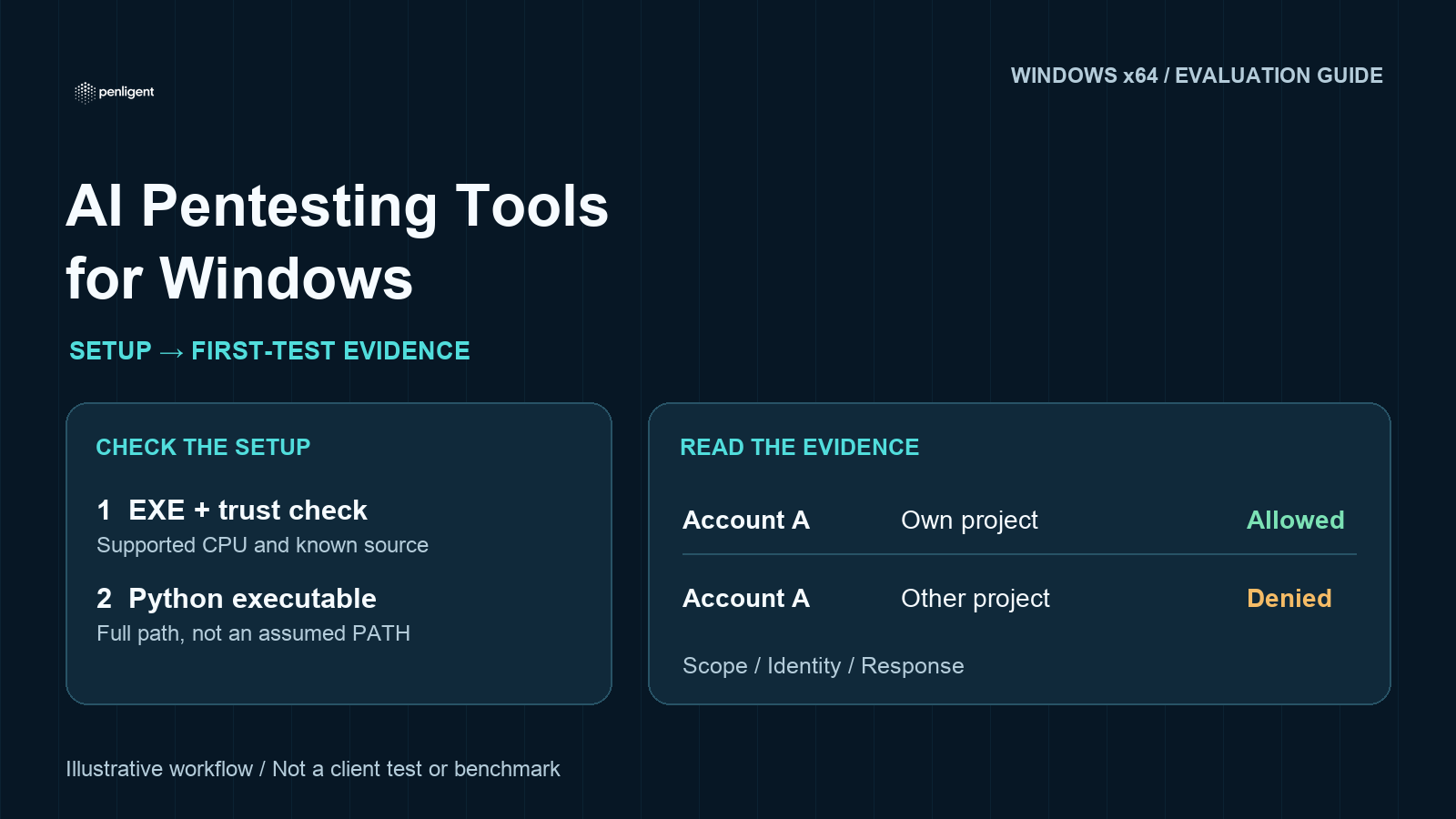
The expected sequence is a reachable service, an allowed own-project response and a denied cross-tenant response. The denied body should not contain the other project’s ID or tenant. Stop the server with Ctrl+C when finished. No external asset needs to be contacted.
Use a matrix, not an apparent vulnerability count
| Check | Expected in this fixture | Meaning |
|---|---|---|
| GET /health | 200 with fixture marker. | The intended demonstration is reachable. |
| Each token reads /identity | The account and its own tenant. | Account context is established before object access is judged. |
| Each token reads its own project | 200 with that project. | Both authentication and the positive-control route work. |
| Each token reads the other project | 404 with only an error. | The synthetic cross-tenant boundary holds. |
| No token reads a project | 401 without project fields. | The anonymous request is not inheriting a valid session. |
The full companion fixture was self-checked on macOS ARM64 with Python 3.14.3: eight HTTP checks passed using a Python HTTP client. Those observations describe that toy server only. They do not demonstrate Penligent connectivity, detection quality, installation success or report export. The compact inline alternative follows the same boundary design and is separately identified in the local QA record.
OWASP’s object-level authorization guidance gives the real application principle: access to an endpoint is not permission to every object it handles. The fixture intentionally demonstrates correct denial. A tool that calls this denial a vulnerability needs closer review; finding zero issues here is not a failed assessment.
Establish where the testing worker runs
The most important localhost trap is conceptual. The address 127.0.0.1 belongs to the process making the request. A remote worker reaches its own loopback interface; a container may also have a different network namespace. The fact that Safari or Terminal reaches your fixture does not prove that an AI testing worker can reach it.
Ask the tool to make the health request first. If it cannot reach the fixture, record the execution-location limitation and stop. Do not open a public tunnel or expose the laptop to make this evaluation work. Use an approved private staging target only after confirming that the product and your organization support the required route.
Similarly, native macOS software does not establish local inference. Before adding private source, cookies or customer information, establish the model endpoint, outbound connectivity, credential handling, evidence location and retention controls. These are purchasing questions, not capabilities proved by an ARM64 installer.
Turn the rehearsal into a controlled first product task
The documented project flow includes New Project, target entry and skill selection. Supply the exact origin and four allowed paths, both synthetic tokens, the expected matrix and explicit exclusions. Ask for a health check, account identity checks, own-project controls, cross-tenant requests and the anonymous request. Exclude enumeration, other hosts, file access, package installation and state-changing methods.
Watch the action trail. The documented Agent Console accepts context and questions; task controls include interruption. If the active account becomes ambiguous, interrupt and resolve it. Do not let a queued status, a confident summary or an attractive diagram substitute for observed requests and responses.
A useful output records what was tested and what was not: client and macOS version, interpreter path, worker location if known, account identity, request, response, timestamps and limitations. Redact even synthetic credentials before reusing the format for real work. Keep a secure local evidence record instead of circulating raw sessions.
Judge trial fit before upgrading
Free access and open-source availability answer different questions. An open-source runner may still require model credentials, dependencies and compute. A managed product may simplify setup but impose task or feature limits. Neither should be compared solely by the word free.
The public Penligent plan reviewed on November 5 lists one test task on Free; report export and task retesting are Pro-listed features. Do not assume the trial includes a downloadable PDF or repeatable unlimited assessments. Use the existing cost and trial evaluation guide to confirm current terms before starting. Record the observed allowance and actual consumption rather than estimating a universal price per test.
The Penligent demonstration video provides product context alongside the documentation. It is not a substitute for checking architecture support or for validating your own output, and this guide does not attribute unverified Mac-specific click sequences to it.
Choose the tool that makes the next authorized task understandable: a known client, an explicit interpreter, a reachable worker and inspectable evidence. If one of those remains unresolved, pause the buying decision there. The evidence gap is more important than a longer list of AI features.
Method: public installation, environment, project and plan material was reviewed on November 5, 2026. The companion fixture observations are local Python checks, not a Penligent product test. No macOS client installation, actual customer assessment or comparative benchmark was performed.
 English
 German
 French
 Spanish
 Portuguese
 Japanese
 Korean
 Hindi
 Arabic
 Turkish
 Hebrew