
What matters about CVE-2026-2441 in one paragraph
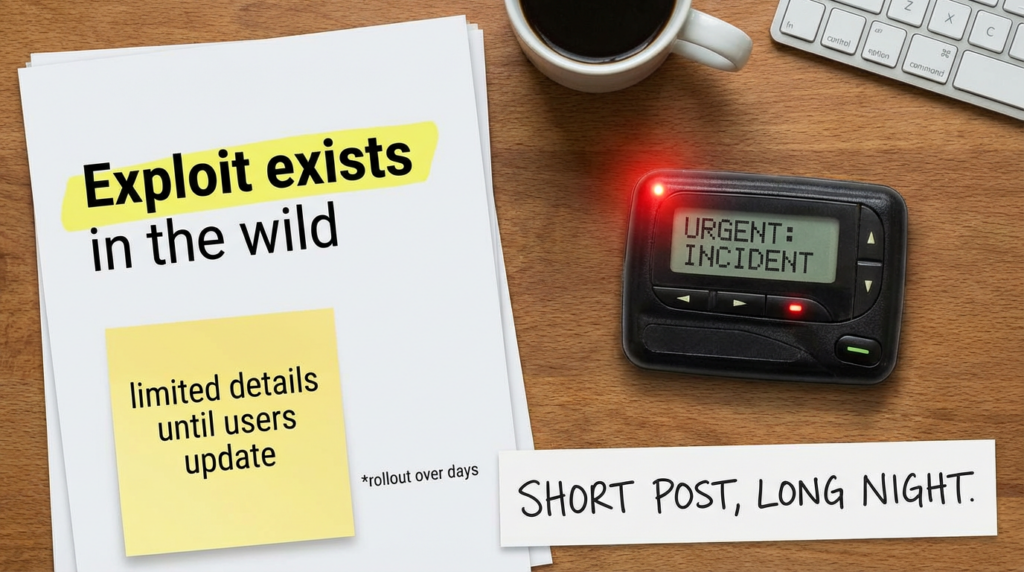
CVE-2026-2441 is a use-after-free in Chrome’s CSS component that Google shipped a fix for on February 13, 2026, and Google explicitly notes that an exploit exists in the wild. (Chrome Releases) The NVD description is straightforward: Chrome versions prior to 145.0.7632.75 can be driven—via a crafted HTML page—into arbitrary code execution inside the sandbox. (NVD) If you lead security for a fleet, this is the kind of bug where “it only runs inside the sandbox” is not comfort—it’s the first line of a postmortem.
Verified record and timeline you can trust
Here’s what the primary sources actually say:
- Chrome Releases (Stable Desktop, Feb 13, 2026): fixed versions roll out to 145.0.7632.75/76 on Windows and macOSو 144.0.7559.75 on Linux; it credits Shaheen Fazim for reporting the issue on 2026-02-11; and Google states it is aware an exploit exists in the wild. (Chrome Releases)
- Chrome Releases (Extended Stable Desktop, Feb 13, 2026): Extended Stable updated to 144.0.7559.177 and includes the same “exploit exists in the wild” note. (Chrome Releases)
- NVD: describes it as use-after-free in CSS leading to arbitrary code execution inside a sandbox via crafted HTML, and lists CWE-416; CVSS v3.1 score 8.8 (High) is present via CISA-ADP on the NVD page. (NVD)
- CVE.org: matches the same description and affected version boundary. (مكافحة التطرف العنيف)
If you need “board-ready” phrasing: this is an actively exploited browser memory corruption bug مع network reach and a user interaction trigger (victim visits a page), patched out-of-band into Stable and Extended Stable on Feb 13, 2026. (Chrome Releases)
Affected versions and fixed versions
This is the part you want to turn into compliance gates, not a wiki paragraph.
| Channel and OS | Vulnerable if below | Fixed version floor | المصدر |
|---|---|---|---|
| Stable on Windows | 145.0.7632.75 | 145.0.7632.75 or newer | Chrome Releases (Chrome Releases) |
| Stable on macOS | 145.0.7632.75 | 145.0.7632.75/76 or newer | Chrome Releases (Chrome Releases) |
| Stable on Linux | 144.0.7559.75 | 144.0.7559.75 or newer | Chrome Releases (Chrome Releases) |
| Extended Stable on Windows | 144.0.7559.177 | 144.0.7559.177 or newer | Chrome Releases (Chrome Releases) |
| Extended Stable on macOS | 144.0.7559.177 | 144.0.7559.177 or newer | Chrome Releases (Chrome Releases) |
Two details worth calling out:
- Stable vs Extended Stable numbers differ. Your “safe floor” depends on which channel a device is actually running. (Chrome Releases)
- NVD’s phrasing uses “prior to 145.0.7632.75” as the key boundary. That’s accurate for Stable on Windows/macOS, but Linux Stable is explicitly called out as 144.0.7559.75 in the release. (Chrome Releases)
Why “inside the sandbox” still means high urgency
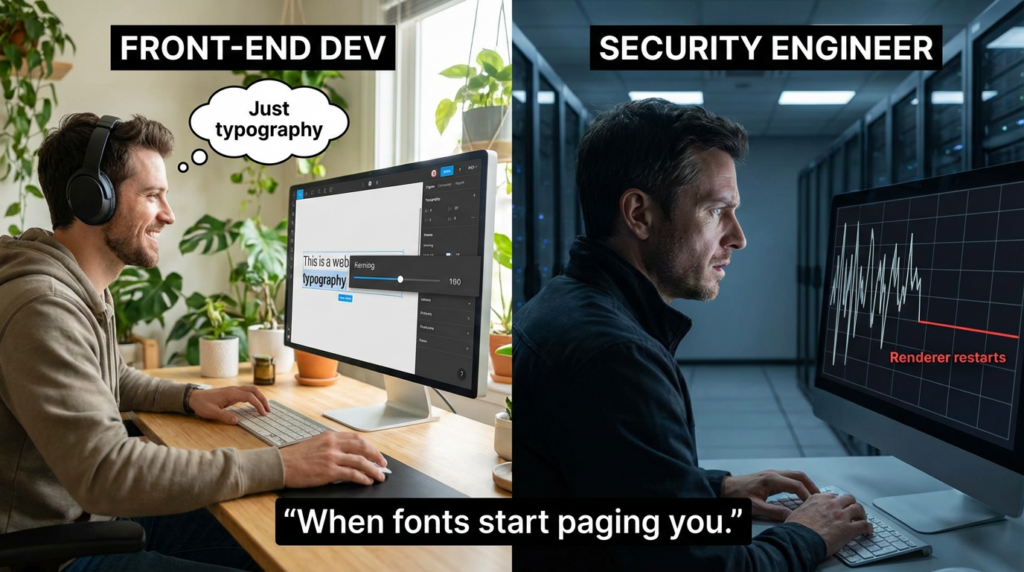
“In-sandbox code execution” is not the destination; it’s a staging area.
Chrome’s sandbox is designed to limit what a compromised renderer can do. That’s real value. But operationally:
- Browser exploitation commonly becomes a chain problem, not a single-bug problem: first gain code execution in a restricted process, then pivot through a second weakness (sandbox escape, kernel bug, IPC logic flaw, broker abuse, or a confused-deputy path).
- Even without a clean escape, in-sandbox execution can still deliver meaningful attacker outcomes: credential prompts, session hijacking attempts, enterprise SSO token theft under certain conditions, staged phishing inside a trusted UI surface, or pivot into “download + execute” using social engineering and trusted UX flows.
Google’s own language is the signal: they do not say “theoretical.” They say an exploit exists in the wild. (Chrome Releases) That should flip your incident posture from “patch when convenient” to “patch and verify now.”
How exploitation usually enters a real organization
You don’t need a glamorous threat actor profile for this to matter. The entry vectors are boring and effective:
- Malicious or compromised websites delivered through normal browsing
- Malvertising and ad-redirect chains
- Phishing links that “look like a normal page”
- Links posted into internal chat or ticketing systems
- Watering-hole targets that match your industry
Multiple independent outlets characterized CVE-2026-2441 as a Chrome zero-day being exploited and emphasized that the fix is rolling out to Stable versions listed above. (كمبيوتر نائم)
The fastest safe playbook for defenders
This is written for the first 24 hours, when you’re trying to get to “we are no longer exposed” with evidence.
Step 1: Patch quickly, then confirm the browser restarted
Chrome updates are not fully real until the user restarts the browser, because the old binary can stay resident. Many advisories and response writeups emphasize not just updating but ensuring the patched version is actually running. (كمبيوتر نائم)
If you manage endpoints, treat “installed version updated” and “running version updated” as separate checks.
Step 2: Verify with a hard minimum version gate
Use your EDR/MDM inventory to enforce these minimums:
- Windows/macOS Stable: 145.0.7632.75+
- Linux Stable: 144.0.7559.75+
- Windows/macOS Extended Stable: 144.0.7559.177+ (Chrome Releases)
Step 3: Cover Chromium-based browsers explicitly
A practical gotcha: many orgs assume “we patch Chrome” equals “we patched the browser layer.” But enterprises run Edge, Brave, Opera, Vivaldi and other Chromium forks. Public reporting explicitly urged users of other Chromium browsers to apply fixes when available. (أخبار القراصنة)
Your policy should be: identify all Chromium-family browsers in inventory; require vendor-confirmed fixed builds; enforce restart; validate running processes.
Concrete verification commands you can hand to IT
Below are minimal, copy-pasteable checks.
النوافذ
# Check installed Chrome version from registry (64-bit path first, then 32-bit)
$paths = @(
  "HKLM:\\Software\\Google\\Chrome\\BLBeacon",
  "HKLM:\\Software\\WOW6432Node\\Google\\Chrome\\BLBeacon"
)

foreach ($p in $paths) {
  if (Test-Path $p) {
    $v = (Get-ItemProperty -Path $p -Name version -ErrorAction SilentlyContinue).version
    if ($v) { "{0} -> {1}" -f $p, $v }
  }
}

# Optional: check running chrome.exe file version (requires process running)
Get-Process chrome -ErrorAction SilentlyContinue | ForEach-Object {
  $_.Path
} | Select-Object -Unique | ForEach-Object {
  (Get-Item $_).VersionInfo.FileVersion
}
macOS
# Installed app bundle version
/usr/libexec/PlistBuddy -c "Print :CFBundleShortVersionString" \\
  "/Applications/Google Chrome.app/Contents/Info.plist" 2>/dev/null

# If Chrome is running, print the path to confirm which binary is live
pgrep -fl "Google Chrome" | head
Linux
# Debian/Ubuntu
google-chrome --version 2>/dev/null || true
dpkg -l | grep -E "google-chrome-stable|google-chrome" || true

# RHEL/Fedora
rpm -qa | grep -E "google-chrome-stable|google-chrome" || true
If you’re building an enterprise report, screenshot or export these results into evidence: “fixed build present” is good; “fixed build running” is better.
Detection engineering ideas that actually help
For most orgs, the best detection value is not “spot the exploit.” It’s:
- find devices that failed to update,
- find devices that updated but didn’t restart,
- find suspicious browsing-driven process chains that suggest post-exploitation behavior.
High-signal endpoint checks
- Chrome version below your gate
- Chrome launched from unusual parent processes
- A burst of Chrome renderer crashes followed by odd child processes
- New persistence or unexpected signed-binary execution shortly after a browsing event
No single one is proof. Together they turn “maybe” into a triage lead.
Example osquery: Chrome version inventory
-- macOS: Chrome bundle version
SELECT
  name,
  bundle_short_version AS version,
  path
FROM apps
WHERE name = 'Google Chrome';

-- Windows: file version from chrome.exe (common install paths)
SELECT
  path,
  version
FROM file
WHERE path LIKE 'C:\\\\Program Files\\\\Google\\\\Chrome\\\\Application\\\\chrome.exe'
   OR path LIKE 'C:\\\\Program Files (x86)\\\\Google\\\\Chrome\\\\Application\\\\chrome.exe';
Example KQL approach: enforce version gates by device inventory
The exact schema depends on whether you use Defender for Endpoint software inventory, Intune discovered apps, or another CMDB. The pattern is:
- Filter where
SoftwareNameis Chrome or Chromium-family - Parse semantic version
- Compare against fixed floors per channel/OS
- Join with device compliance and last reboot time
Even if you don’t have perfect semver parsing, a crude “starts with 145.0.7632.” + “>= 75” gate is better than nothing during the first day.
What to tell leadership without overselling
If you need a clean summary for leadership that stays accurate:
- “Google shipped an emergency Chrome update on Feb 13, 2026 to fix CVE-2026-2441, and Google says an exploit exists in the wild.” (Chrome Releases)
- “The bug is a use-after-free in Chrome’s CSS code path and can be triggered by visiting a crafted web page, resulting in code execution inside the Chrome sandbox.” (NVD)
- “This is still high urgency because real attacks rarely stop at the sandbox boundary, and exploitation indicates active adversary interest.” (سيكيوريتي ويك)
- “We’re mitigating by enforcing fixed version gates, forcing restarts, and verifying running versions across the fleet.”
HKCERT and other government CERT-style bulletins also emphasize active exploitation and urge urgent patching, which is useful as external validation when you’re pushing a fast-change window. (HKCERT)
Related CVEs worth mentioning in the same breath
When teams get hit, the story is often not “one CVE ruined my week.” It’s “a series of trust boundaries moved.”
If you’re building an internal training deck or writing a broader “why browsers keep being the front door” piece, it’s reasonable to reference other high-attention, widely discussed bug classes that share the same operational lesson: small user actions become execution primitives.
Examples from recent public vulnerability discourse include Windows trust-boundary and execution-path issues like CVE-2026-20841 and CVE-2026-21510, which are often framed around “one click becomes code” and “friction disappears.” Penligent’s own library has deep dives on those, which makes them useful internal reading for the same audience that cares about CVE-2026-2441. (penligent.ai)
The key is not to claim they are “the same.” They are not. The value is teaching your organization to recognize recurring patterns: content parsing surfaces plus user interaction plus implicit trust equals predictable incident pressure.
If your team is already doing vulnerability management well, CVE-2026-2441 still creates a familiar pain point: you need to prove three things quickly:
- every endpoint moved above the fixed version floor,
- the browser actually restarted into the patched build,
- you didn’t miss Chromium-family browsers that shadow your “Chrome-only” policy.
That’s exactly the type of workflow where an AI-assisted validation loop is useful: not because it magically finds the zero-day exploit, but because it helps turn scattered telemetry, version checks, and policy exceptions into a repeatable “exposure → remediation → verification” narrative.
With an AI-driven pentest and verification platform like بنليجنت, the practical value is speed and consistency: you can standardize checks across environments, generate evidence-style outputs for stakeholders, and reduce the time it takes to answer the real question people ask during a live response window: “Are we still exposed anywhere, or not?”
If you want this to be even tighter operationally, pair that workflow with prebuilt “browser emergency patch” runbooks—fixed version gates, restart enforcement, and a lightweight set of detection queries that hunt for post-browse anomalies. Then, when the next browser zero-day drops, you’re not improvising.
Frequently asked questions security teams actually ask
Is CVE-2026-2441 truly exploited in the wild
Yes. Google states directly that it is aware of an exploit existing in the wild in both the Stable and Extended Stable release notes. (Chrome Releases)
Does exploitation require a victim to download a file
The public descriptions focus on a crafted HTML page and user visiting it. That’s typically “click a link” or “land on a page,” not “download and run an EXE.” (NVD)
If it is inside the sandbox, can it still matter
Yes. “Inside the sandbox” reduces blast radius, but active exploitation indicates attackers have a viable path to meaningful outcomes. In practice, defenders treat this as a high-priority patch because browsers are high-frequency attack surfaces and chaining is common.
What versions are safe
Use the fixed floors shown in the table above: 145.0.7632.75+ on Windows/macOS Stable, 144.0.7559.75+ on Linux Stable, and 144.0.7559.177+ on Windows/macOS Extended Stable. (Chrome Releases)
References and internal links you can paste into your article footer
Authoritative external references
- Chrome Releases: Stable Channel Update for Desktop (Feb 13, 2026)
  <https://chromereleases.googleblog.com/2026/02/stable-channel-update-for-desktop_13.html>
- Chrome Releases: Extended Stable Updates for Desktop (Feb 13, 2026)
  <https://chromereleases.googleblog.com/2026/02/extended-stable-updates-for-desktop_13.html>
- NVD: CVE-2026-2441
  <https://nvd.nist.gov/vuln/detail/CVE-2026-2441>
- CVE.org record: CVE-2026-2441
  <https://www.cve.org/CVERecord?id=CVE-2026-2441>
- HKCERT bulletin mentioning in-the-wild exploitation
  <https://www.hkcert.org/security-bulletin/google-chrome-remote-code-execution-vulnerability_20260216>
- GovCERT.HK alert mentioning in-the-wild exploitation
  <https://www.govcert.gov.hk/en/alerts_detail.php?id=1765>
- BleepingComputer coverage
  <https://www.bleepingcomputer.com/news/security/google-patches-first-chrome-zero-day-exploited-in-attacks-this-year/>
- SecurityWeek coverage
  <https://www.securityweek.com/google-patches-first-actively-exploited-chrome-zero-day-of-2026/>
- The Hacker News coverage
  <https://thehackernews.com/2026/02/new-chrome-zero-day-cve-2026-2441-under.html>

Penligent internal links
- Penligent Hacking Labs index
  <https://www.penligent.ai/hackinglabs/>
- CVE-2026-21510: When the Prompt Doesn’t Show Up
  <https://www.penligent.ai/hackinglabs/cve-2026-21510-when-the-prompt-doesnt-show-up/>
- CVE-2026-20841 PoC: When Notepad Learns Markdown
  <https://www.penligent.ai/hackinglabs/cve-2026-20841-poc-when-notepad-learns-markdown-a-click-can-become-execution/>
- 7-Zip CVE: When “Extract” Becomes the First Step of an Attack Chain
  <https://www.penligent.ai/hackinglabs/7-zip-cve-when-extract-becomes-the-first-step-of-an-attack-chain/>
- CVE-2026-20700 PoC: The dyld Zero-Day
  <https://www.penligent.ai/hackinglabs/cve-2026-20700-poc-the-dyld-zero-day-that-turns-memory-write-into-code-execution-across-apples-stack/>
- Penligent product home
  <https://penligent.ai/>
 Arabic
  English
  German
  French
  Spanish
  Portuguese
  Japanese
  Korean
  Hindi
Hindi  Turkish
  Hebrew