
Mitel published advisory MISA-2026-0012 on November 16, 2026 for five vulnerabilities in MiCollab’s Audio, Web and Video Conferencing component. The most consequential include command execution issues. The immediate operational trap is the fix wording: MiCollab 10.3.0.18 is in the affected range, and the remediation route requires the additional vendor patch for that release. Follow Mitel’s advisory before closing an upgrade ticket.
The five issues and their boundaries
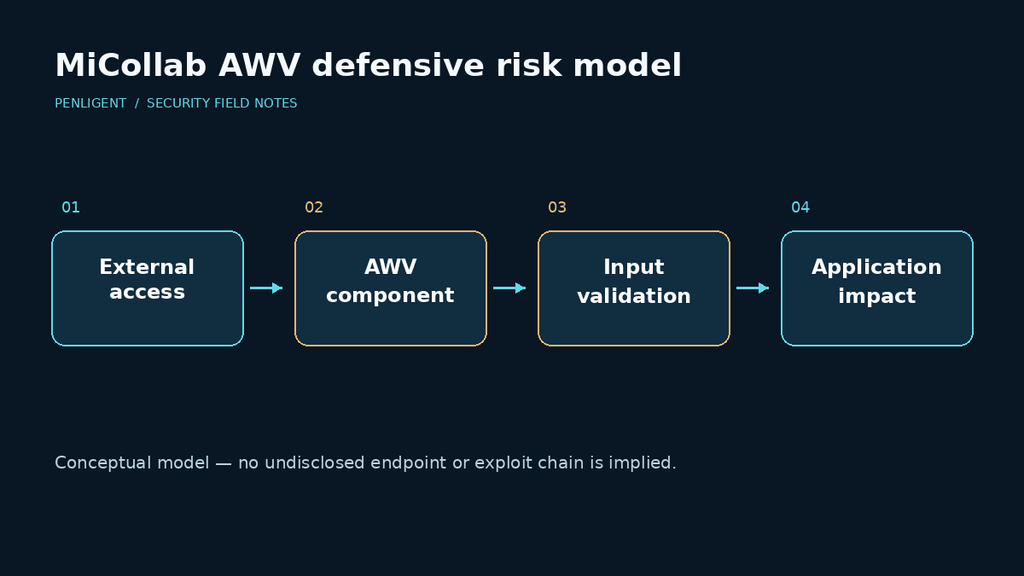
NHS England’s alert CC-4894 identifies the following AWV issues and warns that combining vulnerabilities can increase impact. These are Mitel tracking identifiers; the vendor says CVE identifiers have been requested.
| Kennung | Ausgabe | CVSS 3.1 |
|---|---|---|
| MTLVULN-1861 | Arbitrary file upload | 5.3 |
| MTLVULN-1862 | XML injection | 9.0 |
| MTLVULN-1863 | Unbefugter Zugang | 5.9 |
| MTLVULN-1864 | Command injection | 10.0 |
| MTLVULN-1877 | Umgehung der Authentifizierung | 5.3 |
Do not flatten these into five interchangeable remote-code-execution bugs. Mitel describes pre-staged content for the XML injection issue and additional knowledge or content prerequisites for unauthorized access. It also limits that access flaw to the affected functionality, rather than arbitrary files across the system. Those distinctions come from the vendor’s technical summary.
Patch the release and verify the patch
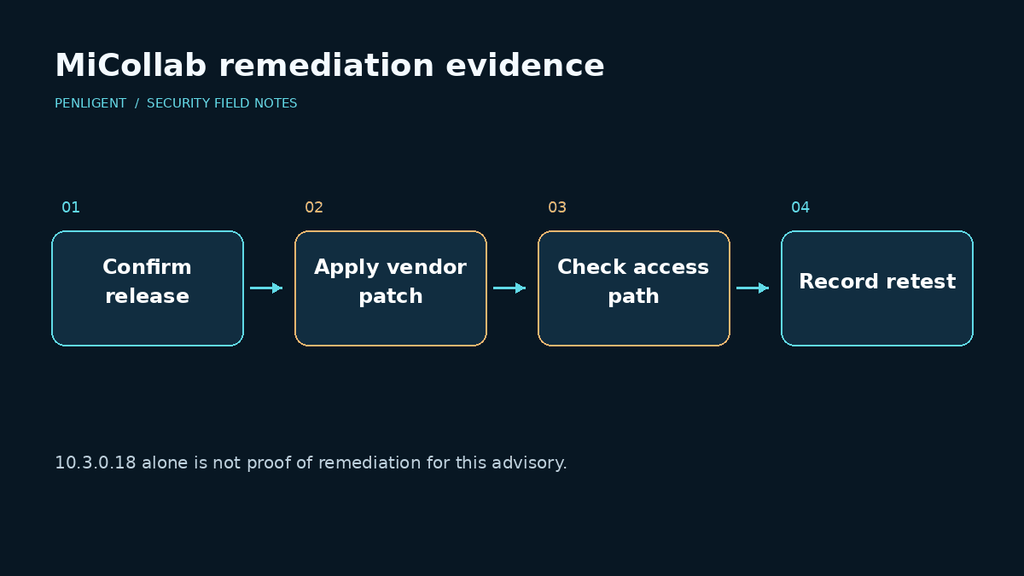
The vendor lists MiCollab 10.3, build 10.3.0.18, and earlier as affected. Its prescribed route is to upgrade to that release and apply the patch documented in KB000129195, or move to a later release containing the update. Contact an authorized partner if the knowledge-base material is unavailable. Restricting external AWV access is the vendor’s temporary mitigation for customers unable to patch promptly. Both the Mitel solution section und NHS remediation guidance should inform the change plan.
Before the maintenance window, record who owns conferencing, which teams depend on external access and how rollback will be handled. Preserve the current configuration and relevant logs according to your approved operations process. A mitigation that silently breaks a required communications path needs an explicit business decision.
Build a closure record without attacking production
Use administrative evidence and vendor-supported checks first. A small record can prevent a misleading green status:
asset: owned-micollab-staging
advisory: MISA-2026-0012
installed_release: verified-from-admin-console
kb000129195_patch: verified-or-not-verified
external_awv_access: permitted-or-restricted
functional_test: passed-or-failed
security_retest: completed-or-pending
evidence_timestamp: recorded-by-operator
This is a safe documentation example, not a vulnerability probe. In an isolated test environment, confirm that the patch evidence matches the deployed instance, that the approved access restriction works from the intended network location, and that legitimate conferencing still functions. Avoid treating a login page or an HTTP error as proof that every vulnerable path is unreachable.
If your inventory lists several instances, verify each one. A completed change on the primary server does not establish the state of a standby, an old public address or a separate regional deployment. Give every unresolved instance an owner and a next action.
Questions administrators are asking
- Is version 10.3.0.18 sufficient on its own? No. The advisory’s route for that version includes the additional patch.
- Are the MTLVULN numbers CVEs? No. Use the vendor advisory and tracking identifiers until assigned CVEs are published.
- Does critical severity prove active exploitation? No. A severity score describes technical risk, not observed attacker activity.
- Can we use a public exploit to validate the fix? Prefer vendor-supported checks and isolated testing; do not execute an unverified payload against production.
- What should remain open after installation? Any missing patch evidence, unverified external route, failed functional test or unresolved historical incident indicator.
A useful remediation report shows which instance changed, what evidence supports the fix, and which checks remain incomplete. Keep those facts separate from the installer’s success message.


 German
 English
 French
 Spanish
 Portuguese
 Japanese
 Korean
 Hindi
 Arabic
 Turkish
 Hebrew