
Copilot CLI device-code phishing can turn an approved account authorization into access to enabled agent features, but the outcome depends on configuration. In its November 17, 2026 security analysis, Microsoft describes a controlled lab simulation using a victim test account. It explicitly says the four illustrated Copilot outcomes had not been observed in those campaigns or in the wild.
That distinction changes the response. Organizations should review device authorization and agent permissions without describing the research as an unauthenticated Copilot CLI remote-code-execution vulnerability or evidence of a new observed campaign.
What the device-code approval actually authorizes
The victim in the simulation approved a GitHub device-code request initiated by an attacker-controlled client. The legitimate verification page did not prove who had started that request. GitHub’s OAuth documentation explains the device flow and the role of requested scopes. A user should approve a device request only when it matches a sign-in they initiated.
For responders, preserve the distinction between the authorization event and what the resulting access enabled. Record the account, application, scopes, timing and available audit evidence before drawing a conclusion about repository access or an agent session.
Four outcomes, four sets of prerequisites
| Possible outcome | Condition to establish | Evidence to seek |
|---|---|---|
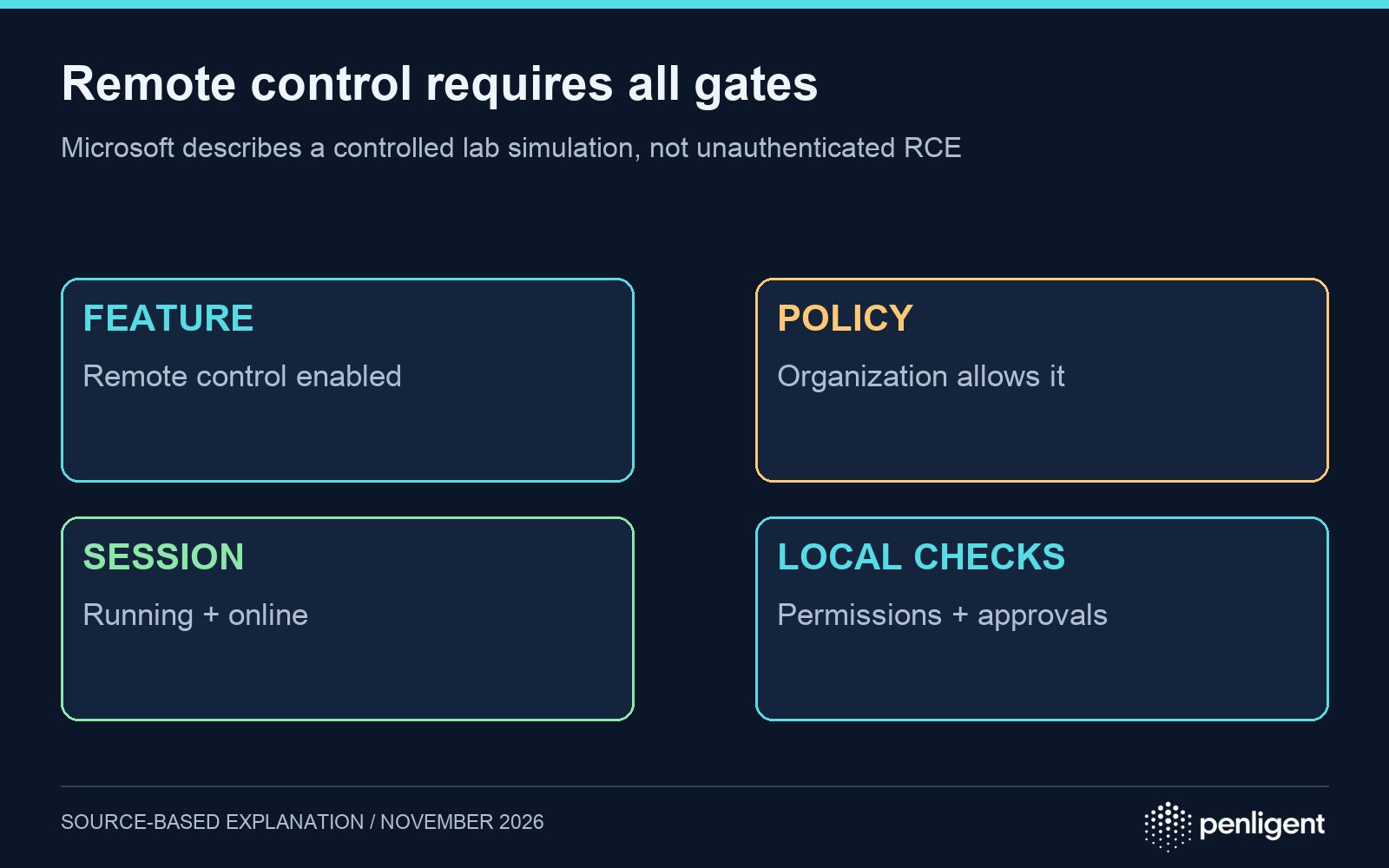
| Steer an active CLI session | Remote control enabled; policy allows it; interactive session active and machine online; local permissions and approval settings still apply. | Session configuration and actual actions or approvals. |
| Misleading saved memory | Relevant memory feature and policies enabled; stored entries later used. | Saved entries, change timing and subsequent interactions. |
| Read synchronized sessions | Cloud session storage enabled and organization policy permits it. | Storage policy, available access records and exposed session content. |
| Access private repositories | OAuth scopes and the account’s repository permissions allow access. | Grant scopes, repository authorization and observed GitHub actions. |
The conditions are drawn from Microsoft’s original simulation. In particular, synchronizing a session does not itself enable remote control. Repository access follows OAuth scope and account authority; it is not a special permission created by the Copilot name.
Use an evidence chain instead of an impact checklist
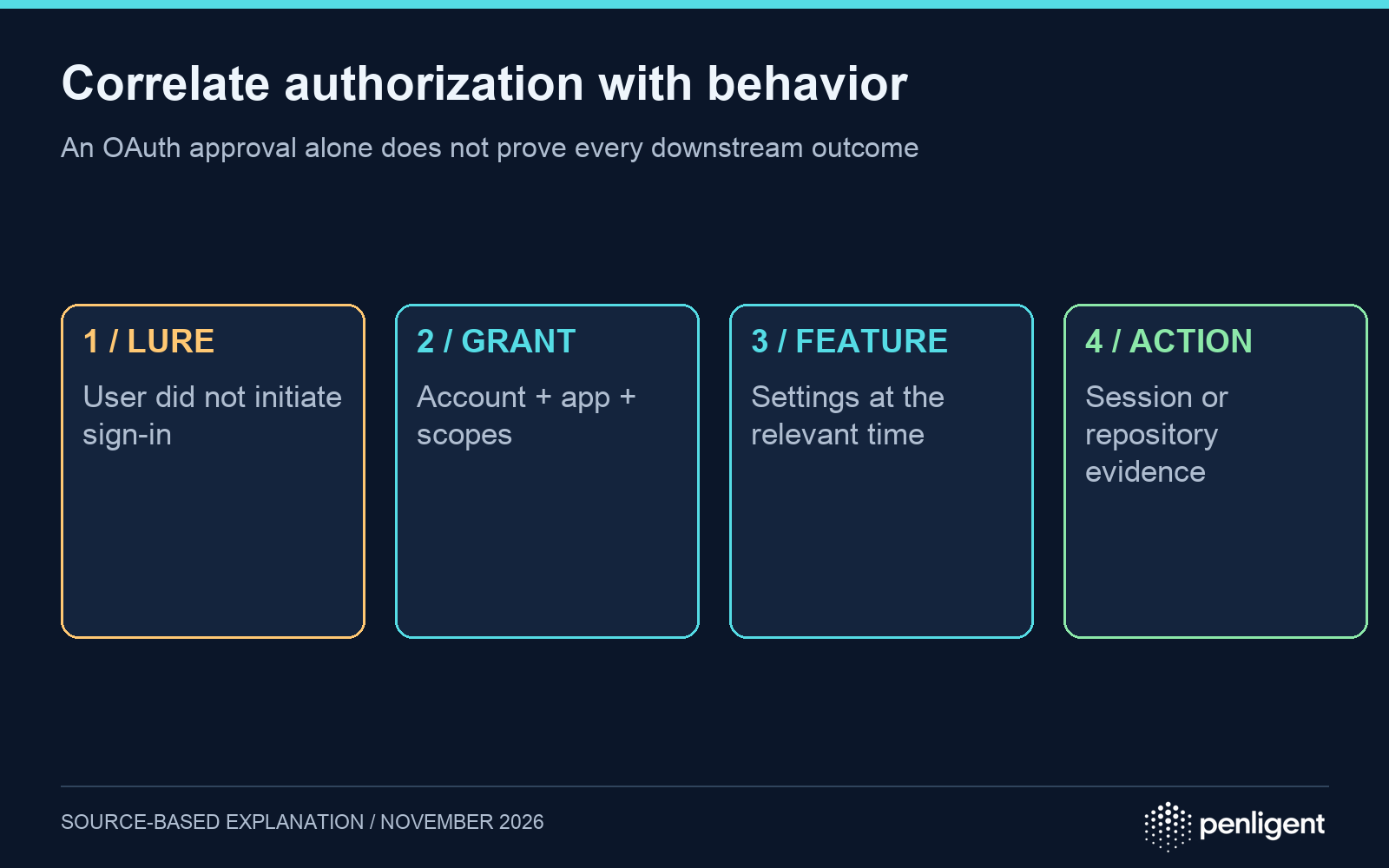
Start with the lure and the user’s account of the sign-in. Then connect any unexpected OAuth authorization to the enabled feature and to an observed action. This ordering avoids assigning all four outcomes to every suspicious approval. It also keeps missing telemetry visible: an unknown memory setting is a collection task, not proof that memory was changed.
- Authorization: Was the request initiated by the user? Which application and scopes were approved? Was an unexpected grant subsequently revoked?
- Feature state: At the relevant time, were remote control, cloud session storage or memory available and enabled for this account?
- Behavior: Is there evidence of a session interaction, memory change, repository read or other action after authorization? Which actions remained subject to local approval?
Contain the account and review retained context
Revoke unexpected OAuth authorizations and verify access is blocked. Review affected repositories, session history and saved memory according to the evidence collected. Microsoft notes that disabling memory does not automatically delete previously stored entries; review the stored content rather than assuming a configuration toggle erased it.
For prevention, teach the concrete device-code rule: a real verification URL is insufficient if the user did not initiate the request. Restrict session and memory features to the required workflow, minimize granted scopes and test whether the organization actually receives the audit events it expects.
Microsoft discusses Defender detection and disruption options, but availability depends on configuration, telemetry, integrations and deployment prerequisites. Validate coverage in the tenant instead of promising that a product license or a generic alert name guarantees detection.
An authorized assessment using Sträflich should define these boundaries explicitly: account grant, agent feature, local approval and observed effect. Use test accounts and synthetic repositories so a validation exercise does not require real secrets or production data.
The following Penligent 3.0 video is a general product workflow demonstration. It is not incident evidence or proof that a specific compromise was remediated.
Methodology, November 18, 2026: AI-assisted analysis of Microsoft’s published lab report and GitHub documentation. The matrix is a defensive investigation framework; Penligent did not reproduce the experiment.
 German
 English
 French
 Spanish
 Portuguese
 Japanese
 Korean
 Hindi
 Arabic
 Turkish
 Hebrew