
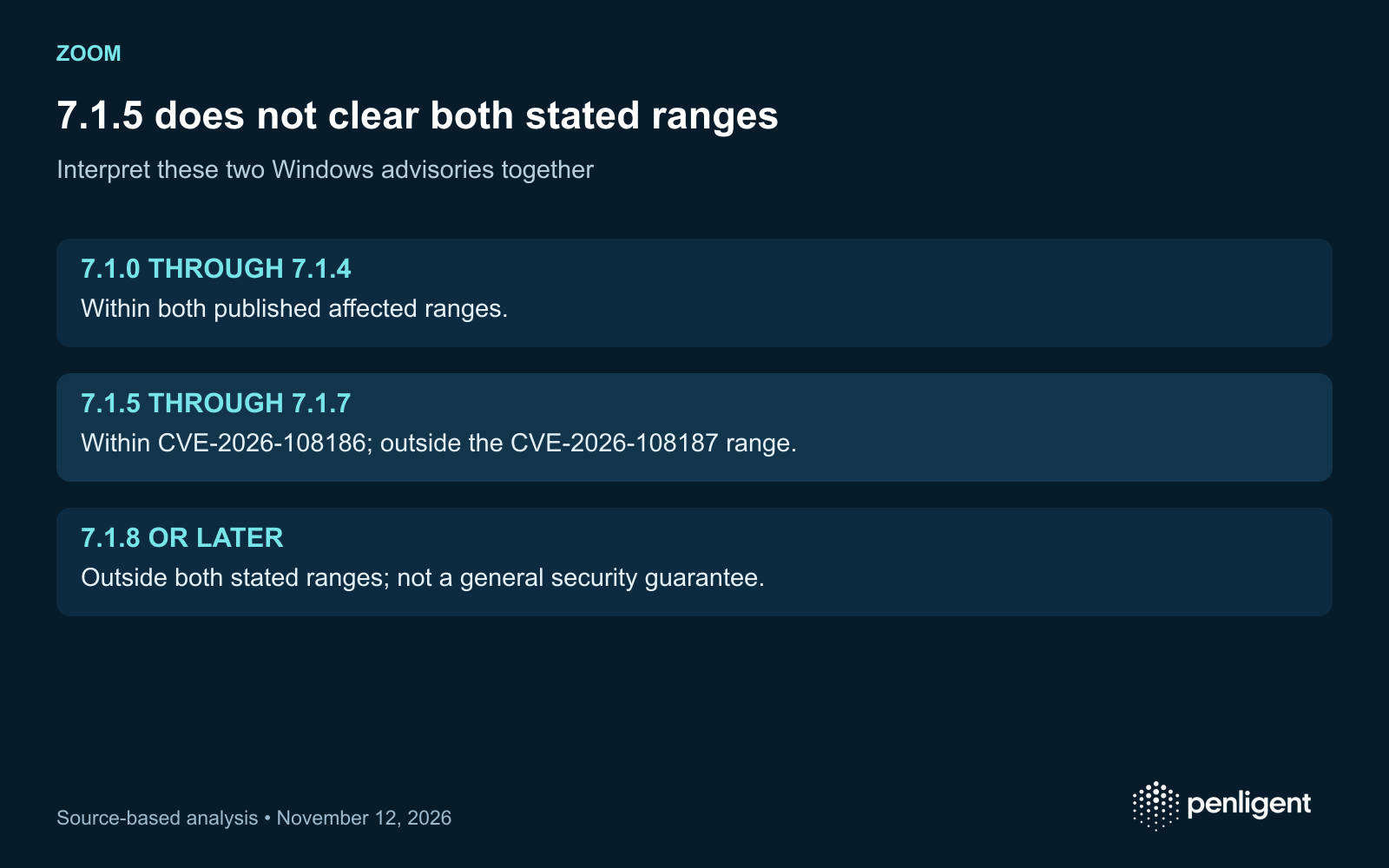
A Windows device on Zoom Workplace 7.1.5 clears one of the two November 10 advisory boundaries, but remains within the stated range for CVE-2026-108186. Read the two bulletins together before accepting a fleet report that simply says “Zoom updated.” This article covers Windows Workplace clients, not every Zoom product or operating system.
Two advisories, two different version boundaries
ZSB-26023 identifies CVE-2026-108186 as improper input validation affecting Zoom Workplace for Windows from 7.1.0 up to, but not including, 7.1.8. ZSB-26024 identifies CVE-2026-108187 as an origin validation error affecting Windows Workplace versions before 7.1.5. Both were initially published November 10, 2026.
Zoom describes both as allowing unauthenticated privilege escalation through network access; their published CVSS vectors include user interaction required. Preserve that condition. The reviewed bulletins do not establish that either issue is being exploited, disclose a complete attack chain or support describing all Zoom platforms as affected.
| Windows Workplace version | CVE-2026-108186 stated range | CVE-2026-108187 stated range |
|---|---|---|
| Before 7.1.0 | Outside the specifically stated starting boundary; not a general safety endorsement | Within the stated before-7.1.5 range |
| 7.1.0 through 7.1.4 | Within range | Within range |
| 7.1.5 through 7.1.7 | Within range | Outside the stated affected range |
| 7.1.8 or later | Outside the stated affected range | Outside the stated affected range |
Use an appropriate current supported release through your organization’s approved update channel. The table interprets these advisories only; it is not a lifecycle support statement or assurance against unrelated vulnerabilities. Do not downgrade a device into an older row merely because one advisory starts at 7.1.0.
Separate deployment availability from active-client evidence
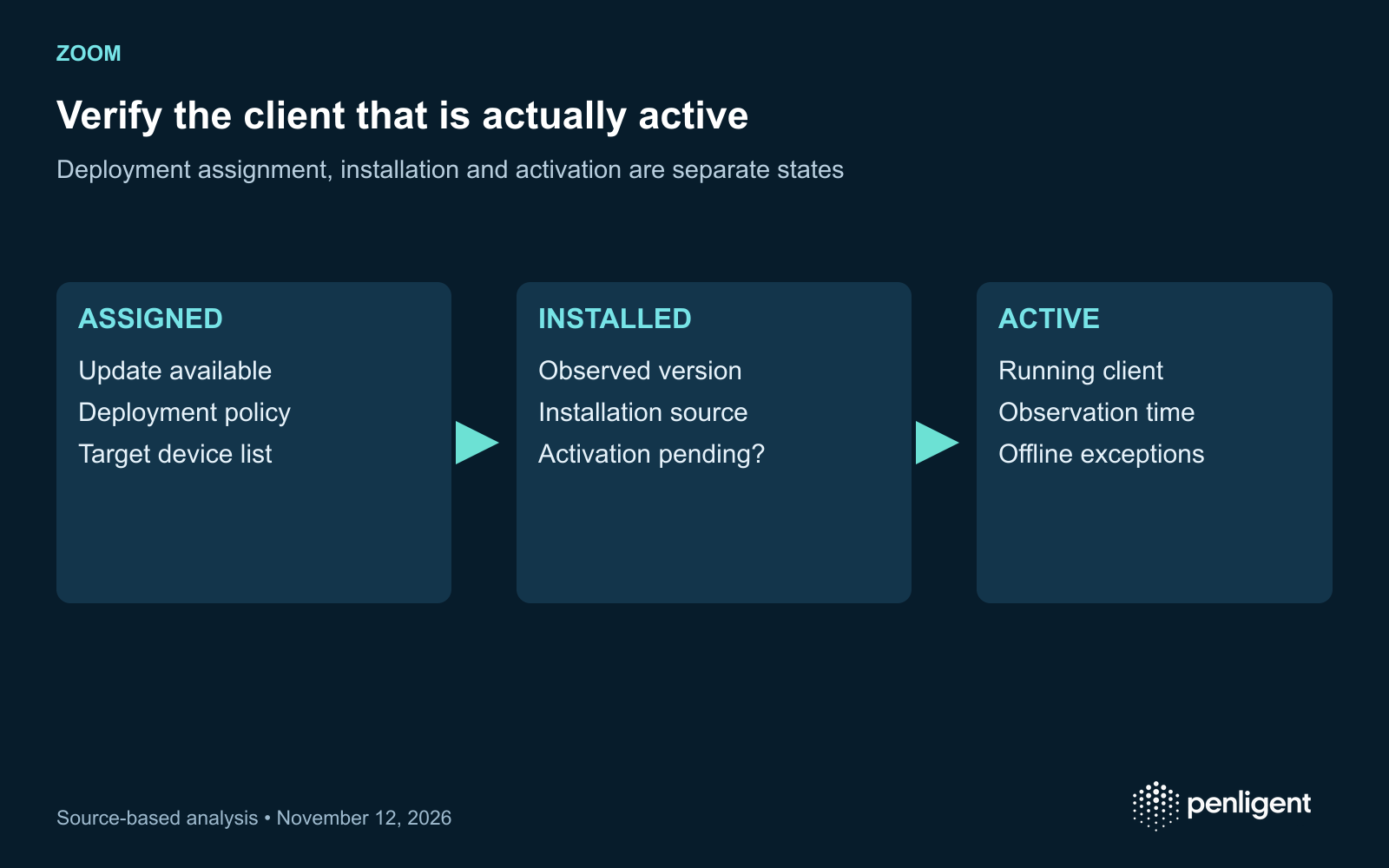
A management console can show that an update is available, assigned or installed. Those are different states. Collect the actual device identity, installed Windows client version, observed running-client version and observation time. If a restart or relaunch is pending, retain that state until the supported activation step is complete.
Account for user-specific installations, shared systems and offline laptops according to your fleet management process. An aggregate percentage can hide a small group that still runs an affected client. Give every unresolved device an owner, next contact condition and deadline appropriate to your organization’s policy.
Use a fleet acceptance record instead of an exploit test
Device / owner / operating system
Product: Zoom Workplace for Windows
Installed version and inventory source
Active client version and observation time
Advisory boundaries: ZSB-26023 and ZSB-26024
Activation or relaunch status
Offline / exception / next verification condition
Normal authorized meeting workflow check
Verify normal operation with an approved test meeting after the update where required by the deployment plan. Do not send a crafted meeting or public exploit to users to prove a patch. The version evidence and controlled functional check serve the rollout task without creating a new exposure.
Report the remaining uncertainty precisely
“Outside both published affected ranges as observed at this time” is a defensible version conclusion. “No Zoom risk remains” is not. If device telemetry is missing, record that gap. If an incident is suspected, use the endpoint response process and preserve relevant evidence independently of the patch ticket.
A third-party validation provider should return the per-device basis for its conclusion, along with unverified clients and platform exclusions. That makes the service useful to the endpoint team and prevents a successful software assignment from being presented as complete remediation.
Client rollout closure depends on endpoint and active-version evidence. Teams considering Penligente for application assessment should define that separate scope and its deliverables.
The official Penligent 3.0 video below demonstrates the general product workflow. It illustrates product use; the article’s assessment proposals and source findings are evaluated separately.
Method: AI-assisted review of the linked primary sources, checked November 12, 2026, with an original assessment framework. No exploit, production target or customer environment was tested for this article.
 Spanish
 English
 German
 French
 Portuguese
 Japanese
 Korean
 Hindi
 Arabic
 Turkish
 Hebrew