
CVE-2026-84869 affects the ScreenConnect client. ConnectWise states that ScreenConnect servers are not impacted. Under certain circumstances, file-transfer actions through an active remote session could be processed without proper authorization or Host confirmation, allowing files to be transferred to and executed on the Host client, including elevated execution actions. The ConnectWise advisory lists versions before 26.6.5 as affected and 26.6.5 or later as corrected.
The operational trap is to close the ticket when a server update is complete. The server distributes or supports the update workflow, while the vulnerable component resides at the client. Keep those two facts in the same change record without treating them as the same verification step.
Identify the affected component before selecting the update path
ConnectWise rates the issue Critical, CVSS 3.1 9.9, with privileges required set to Low and user interaction to None. The advisory describes an active-session condition; it does not describe unauthenticated compromise of the ScreenConnect server. A server inventory alone therefore cannot establish client remediation.
| Déploiement | Vendor delivery guidance | Evidence to retain |
|---|---|---|
| ScreenConnect cloud | Cloud servers have been updated; ConnectWise also recommends updating host clients and access agents. | Host-client and access-agent versions, device identity and update time. |
| On premises | Upgrade ScreenConnect to 26.6.5 or later, then reconcile endpoint updates. | Installation build plus affected client and agent inventory. |
| Automate integration | Use Automate Product Updates under the subscription conditions in the advisory. | Integration update result and remaining endpoint exceptions. |
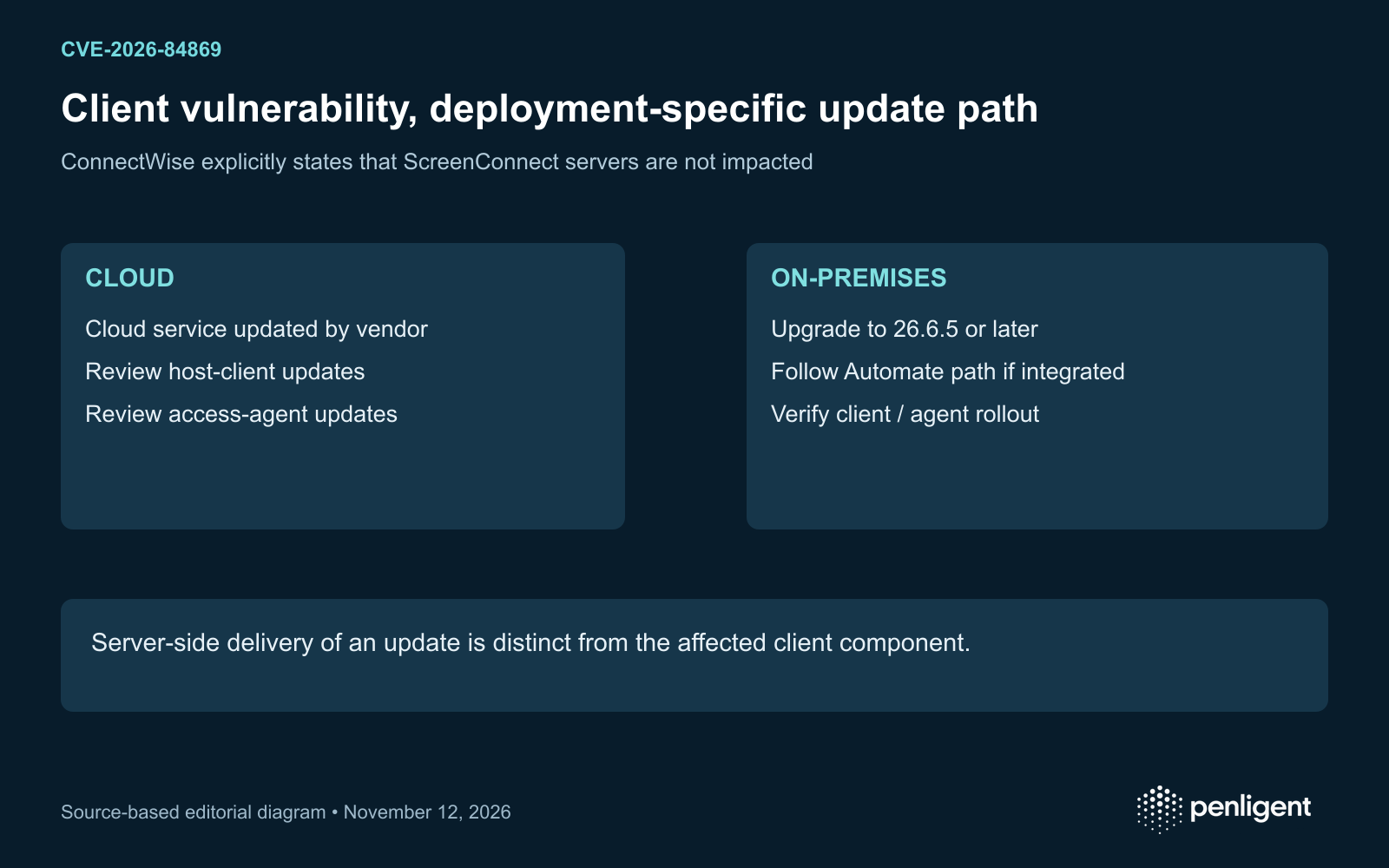
The cloud section says no action is required for the hosted server update and immediately recommends host-client and access-agent updates. Read both statements together. For an endpoint team, the remaining task is to establish which client installations exist and whether they have received the correction. Do not change the impact statement to make the delivery wording appear simpler.
Use TransferFiles restrictions as a temporary control
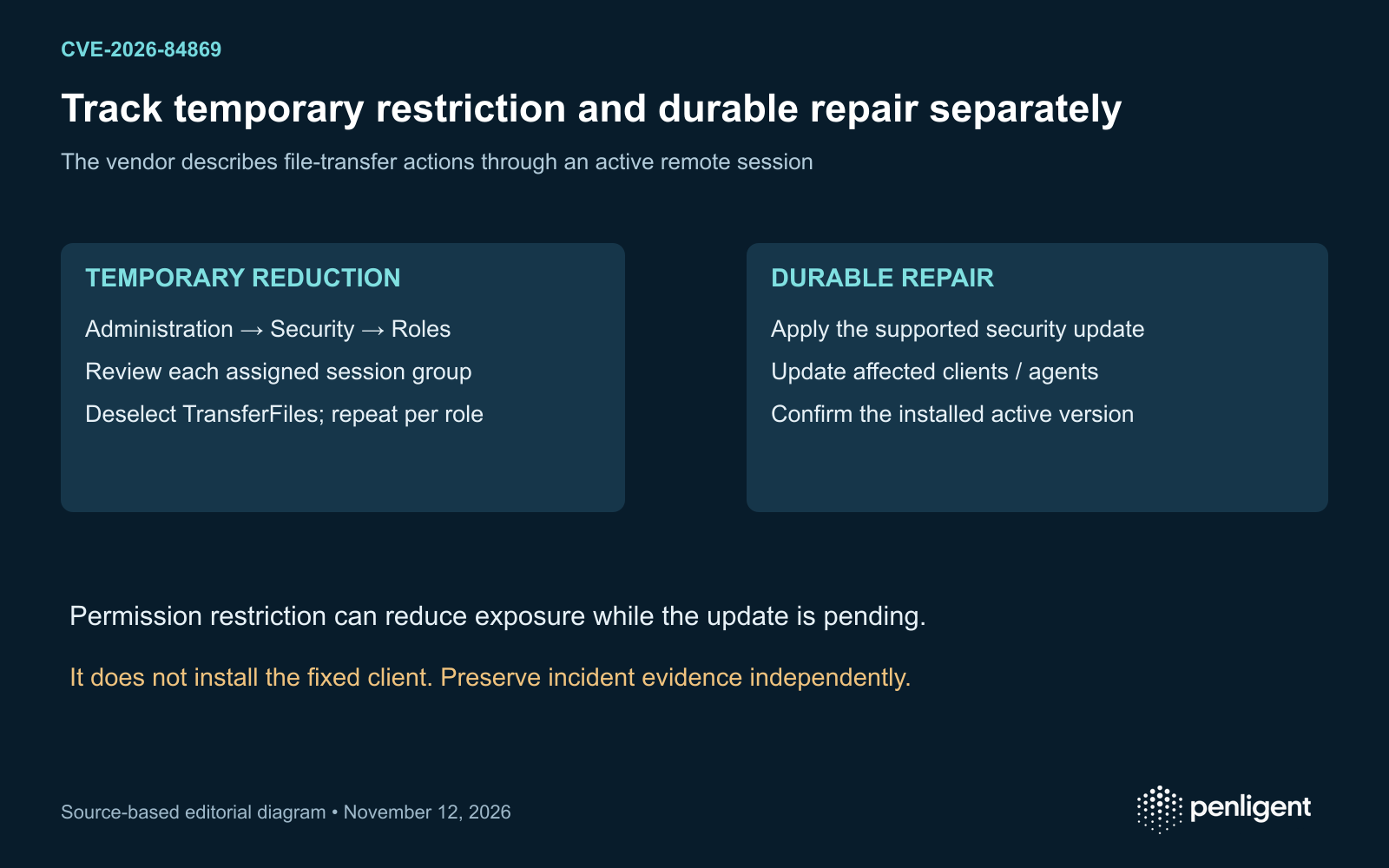
When an immediate update is not possible, ConnectWise instructs administrators to open Administration → Security → Roles, edit each role, review every session group with assigned permissions and deselect TransferFiles where selected. Save the change and repeat for each role. The vendor explicitly says this is not a substitute for installing the security update.
Record the role and session-group review as a separate mitigation task. A screenshot of one edited role is weak evidence when other roles still grant the permission. Reconcile the assigned roles and groups, identify business workflows affected by the restriction and give the temporary exception an owner and expiry. These are administrative verification steps, not a claim that another unlisted control blocks the vulnerability.
Close remediation at the client, including offline agents
Use one row per device and installed client or access agent. Retain the asset owner, installation identity, observed version, checked-at time, deployment job and post-update observation. Keep offline devices pending until they reconnect and their installed state can be checked; an update scheduled for an absent device is delivery intent.
For a staged rollout, reconcile three counts: affected installations discovered, corrections delivered and corrected installations verified. Explain differences by named exceptions. Check templates, recovery packages and deployment systems that can reinstall older clients so a later support action does not restore the vulnerable state. Where normal support functionality is tested after an update, record only the benign workflow actually exercised.
Keep exploitation history separate from local incident findings
Les CISA Known Exploited Vulnerabilities catalog snapshot checked on November 12, 2026 includes CVE-2026-84869, with date added September 11, 2026 and the listed federal remediation due date September 14, 2026. These are historical catalog dates. They do not establish that a new campaign began on November 12 or that a particular customer was compromised.
For potentially exposed endpoints, preserve available remote-session, authentication, file-transfer and endpoint execution records under the organization’s incident-response process. Compare suspicious actions with authorized support work. Patching changes the running software; it does not determine what happened before the change. No advisory-specific endpoint, payload or detection signature is inferred here.
If an authorized assessment requires application-level validation beyond inventory, define the acceptance question and evidence first. Penligent can be considered within that scoped workflow; the vendor advisory and endpoint observations remain the basis of this remediation decision.
The following official Penligent 3.0 video demonstrates the general product workflow. It does not demonstrate exploitation or certify remediation of the vulnerabilities discussed here.
Source review: November 12, 2026. This analysis uses public primary records and configuration or source-code reasoning; no exploit reproduction is claimed.
 French
 English
 German
 Spanish
 Portuguese
 Japanese
 Korean
 Hindi
 Arabic
 Turkish
 Hebrew