
JavaScriptのフィルタは、コールバック関数で定義された指定された条件を満たす要素を元の配列から含む新しい配列を返す配列メソッドです。 実際には、フィルターは、特に最新のJavaScriptエコシステムにおいて、フロントエンド、バックエンド、自動テストシナリオにわたるデータ変換、条件選択、セキュリティロジック、ビジネスルールに不可欠である。 MDN ウェブドックス
JavaScriptフィルタは何をするのか?
フィルタの核心は、開発者にクリーンな方法で 配列の部分集合 を定義した基準に基づいて実行する。データを変化させるループとは異なり、フィルターは 新しい配列 関数型プログラミング・パターンの定番となっている。 MDN ウェブドックス
単純なユースケースは、リストから偶数を選択することだろう:
ジャバスクリプト
const numbers = [1, 2, 3, 4, 5, 6];const evens = numbers.filter(num => num % 2 === 0);console.log(evens); // [2, 4, 6].
この例では、コールバックは 真の で割り切れる数に対して、結果の配列に含まれるものだけをフィルターする。
について フィルター メソッドは、標準的なJavaScript配列ツールキットの一部であり、以下のように定義されている。 Array.prototypeつまり、すべてのモダンブラウザとNode.js環境で利用できる。 MDN ウェブドックス
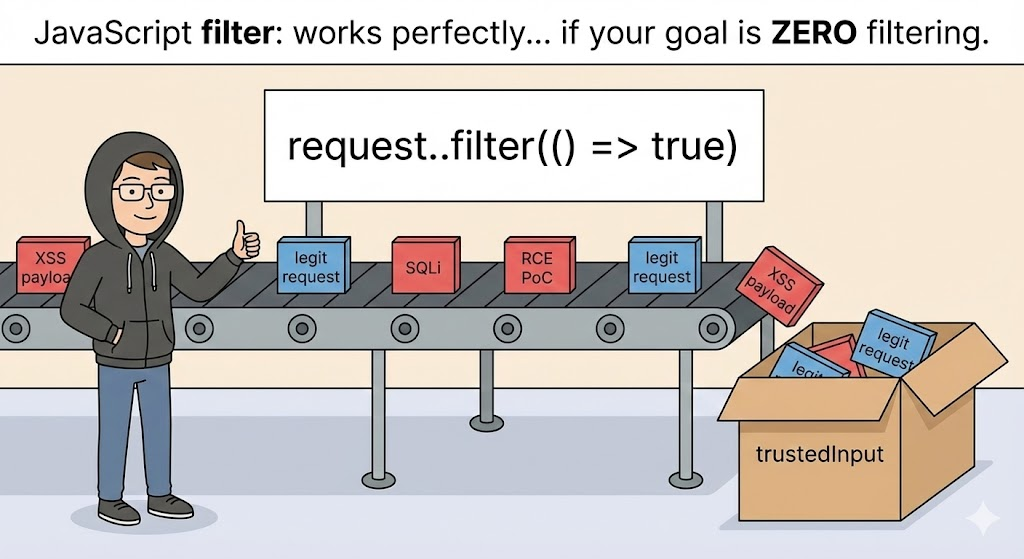
フィルターの仕組み
フィルターがどのように要素を評価するかを理解することで、エッジケースでの動作を明確にすることができる:
- 元の配列の各要素を繰り返し処理する。
- 各要素に対してコールバックを呼び出します。
- コールバックが真理値を返した場合、その要素は新しい配列に含まれる。
- コールバックがfalsyである要素は除外される。
- 元の配列はそのままで、次のようなサポートがあります。 不変プログラミングの実践. MDN ウェブドックス
フィルターが作動するのは、次のような場合であることを忘れてはならない。 O(n) つまり、配列サイズが大きくなるにつれて、性能は直線的に低下する。ほとんどの使用例では、これは許容範囲内だが、大規模なデータセットや高頻度の操作では、パフォーマンスを考慮する必要がある。
実践的な使用例値とオブジェクトのフィルタリング
単純な配列のフィルタリング
ジャバスクリプト
const prices = [9, 20, 15, 30];const expensive = prices.filter(price => price > 15);console.log(expensive; // 出力:[20, 30]
この使い方は、UIコード、検索フィルター、データパイプラインなどに現れる。 デジタルオーシャン
オブジェクトの配列にフィルタをかける
データオブジェクトを扱う場合、フィルタリングはさらに強力になる:
ジャバスクリプト
const users = [ { name: "Alice", active: true }, { name: "Bob", active: false }, { name: "Carol", active: true } ]; const activeUsers = users filter(user => user.active);console.log(activeUsers)const activeUsers = users.filter(user => user.active);console.log(activeUsers);
を満たすオブジェクトのみを返します。 アクティブ 財産である。
大規模アプリケーションにおけるパフォーマンスへの影響
何千、何百万ものレコードを扱う場合、単純な配列のフィルタリングは、特にレンダー・ループやリアルタイム・データ・ダッシュボードの内部で、悩みの種になることがある。そこで フィルター 常にアレイ全体をスキャンするため、パフォーマンスについて考えることは非常に重要である:
| シナリオ | インパクト |
|---|---|
| 小さな配列(数十要素) | 高速で無視できる |
| 大きな配列(100k以上の要素) | 顕著なCPUコスト |
| 繰り返されるフィルター呼び出し | メモリチャーン |
| UIレンダー・ループ内のフィルター | UIのジャンクさ/反応の遅さ |
場合によっては 索引地図 または プリパーティションド・アレイ は、完全なフィルタリングの必要性を減らすかもしれない。
よくある落とし穴を避ける フィルター
一方 フィルター は強力な反面、誤用しやすい。例えば、元の配列が変更されることを期待すると、ロジックエラーにつながる可能性がある。よくある誤解を紹介しよう:
ジャバスクリプト
const items = ["apple", "banana", "cherry"]; items.filter(item => item.includes("a"));console.log(items; // まだ ["apple", "banana", "cherry"] です。]
なぜなら フィルター を返す。 新しい配列結果を使用する場合は、その結果を割り当てなければならない。
機能的構成:複数のフィルターを連続させる
多くの場合、複数の条件が必要になる。素朴なアプローチでは、フィルタを次々と連鎖させるかもしれない:
ジャバスクリプト
const filtered = numbers .filter(n => n > 10) .filter(n => n % 2 === 0);
これは機能するが、やや非効率的である。より最適化されたパターンは、単一の連結関数やユーティリティ・パターンを使うかもしれない。
ジャバスクリプト
const conditions = [n => n > 10,n => n % 2 === 0]; const applyFilters = (arr, filters) => arr.filter(item => filters.every(fn => fn(item))); const result = applyFilters(numbers, conditions);
このパターンは、高度な検索やルールベースのシステムのようなインターフェイスにおける動的なフィルタリングに有用である。
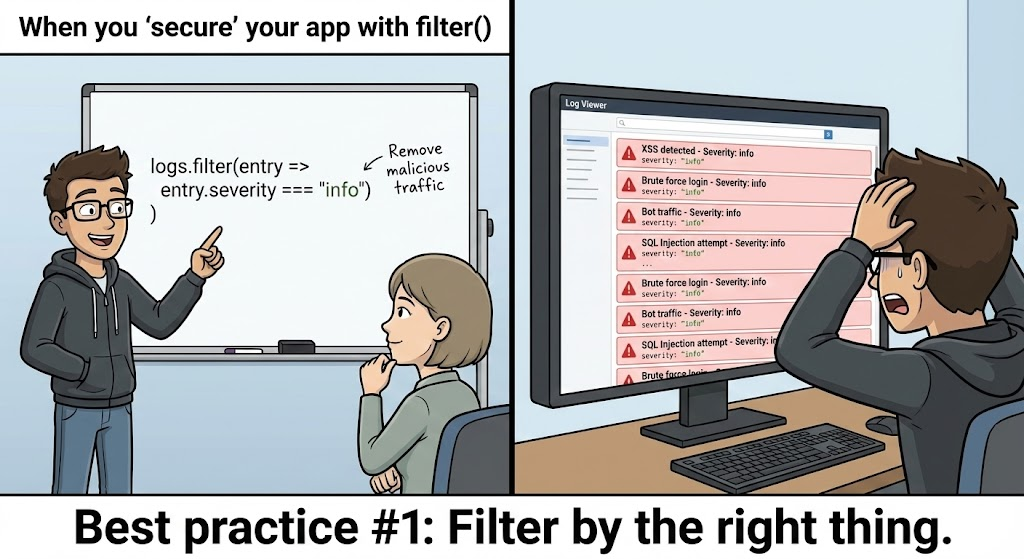
フィルタリングロジックのセキュリティに関する考察
APIレスポンスやユーザー・ロールのエンフォースメントのような、セキュリティに敏感なコードではフィルター は、ユーザーがどのデータを見るべきかを決定するためによく使われる。ここでのミスは、データ漏洩や権限の昇格を引き起こす可能性がある。
意図しないデータ露出
よくあるパターンはこうだ:
ジャバスクリプト
const visibleItems = allItems.filter(item => item.public);
内部ビジネス・ロジックがユーザーにも所有権を要求する場合、これは不注意に不正なデータを公開する可能性がある。より安全なパターンは
ジャバスクリプト
const visibleItems = allItems.filter(item => item.public || item.owner === request.userId);
フィルターは常に 厳格な認証チェック単なるブーリアン・フラグではない。
バックエンドAPIにおけるJavaScriptフィルタ
Node.js REST APIでは、データベースや他のサービスから取得したデータのフィルタリングを頻繁に目にします:
ジャバスクリプト
app.get("/api/orders", (req, res) => {const userOrders = allOrders.filter(order => order.userId === req.user.id ); res.json(userOrders); });
しかし、セキュリティーチームは、センシティブ・フィルターを次のように行うことを推奨している。 データストア・レベル なぜなら、大きなデータセットをフェッチした後にフィルタリングを行うと、効率が悪く、アプリケーションサーバーに不必要な負荷をかける可能性があるからだ。
実際のアプリケーションにおける高度なフィルタリング
検索とオートコンプリート
検索UIを実装するとき、サジェストのために配列をフィルタリングすることがある。大文字小文字を区別しないマッチングのような複雑な条件では、思慮深いフィルター関数が必要になります:
ジャバスクリプト
function searchItems(arr, query) {const lower = query.toLowerCase();return arr.filter(item => item.name.toLowerCase().includes(lower) ); }.
このパターンはタイプ・アヘッド型のUIによく見られる。
化合物制限の安全な取り扱い
複数の条件をすべてクリアしなければならないこともある:
ジャバスクリプト
const safeUsers = users.filter(u => u.active && u.roles.includes("editor") );
ロールやオーナーシップのような重要なチェックを見逃すと、セキュリ ティバグにつながる可能性がある。常に明示的なガード条件を定義してください。
パフォーマンス最適化テクニック
巨大なデータセットをフィルタリングする場合は、次のことを考慮する:
- インデックス付きデータ構造(マップ/セット)
- 配列をチャンクに分割し、非同期にフィルタリングする
- 重い処理にWeb Workersを使う
大規模なアプリケーションの中には、フィルターロジックが配列全体ではなく、関連する部分集合にのみ適用されるように、データ分割を活用するものもある。 レッドディット
フィルター・ロジックのテスト
自動化されたテストは、フィルター機能が期待通りに動作することを保証します。例えば
ジャバスクリプト
test("returns only active users", () => {expect(activeUsers.every(u => u.active)).toBe(true); });
ユニットテストはデプロイ前の信頼性を高め、エッジケースを早期に発見する。
フィルターを使用しない場合
フィルターは便利だが、他の配列メソッドの方が適切かもしれない:
- 用途
地図要素を変換するとき - 用途
見つけるシングルマッチが必要な場合 - 用途
減らす値に集約する場合
適切なツールを選択することで、誤用やロジックエラーを防ぐことができる。 MDN ウェブドックス
Penligent :セキュリティワークフローにおけるロジックチェックの自動化
のような最新のセキュリティ・プラットフォームがある。 寡黙インテリジェントな侵入テストと自動化スイートであるPenligentは、コードベース全体のフィルタロジックの分析を支援します。手作業ですべてのフィルタ条件をレビューする代わりに、Penligentは以下のことができます:
- フラッグ 安全でないデータフィルター プライベート属性を公開する可能性がある
- 特定する 非効率的なフィルタリングパターン 大規模データ処理における
- 提案 安全なフィルター交換 またはロジックガード
- CIパイプラインと統合し、リリース前にバグをフィルタリングする。
例えば、Penligentのルールは、センシティブなAPIフィールドがパブリックフラグによってのみフィルタされるパターンを検出するかもしれない。
このレベルの自動化された分析は、2025年のセキュアコーディングの実践において一般的になりつつあり、チーム全体のパフォーマンスとセキュリティ衛生の両方を向上させる。
おわりに信頼性の高いセキュアなJavaScriptのためのフィルタの習得
JavaScriptの フィルター メソッドは単純に見えるかもしれないが、アプリケーション・ロジック、UIの応答性、データ・セキュリティ、そしてパフォーマンスにおいて中心的な役割を果たしている。中核となるプログラミング・モデルと、モバイルUIからバックエンドAPI、自動化されたセキュリティ・プラットフォームまで、現実世界の制約との相互作用の両方を理解することで、より信頼性が高く、安全で、パフォーマンスの高いアプリケーションを構築することができます。
推薦図書
- Array.prototype.filter() ドキュメント - Mozilla MDN MDN ウェブドックス
- DigitalOceanチュートリアル
フィルター使用状況 デジタルオーシャン - 高次アレイ法の概要 ギークス・フォー・ギークス


 Japanese
  English
  German
  French
  Spanish
  Portuguese
  Korean
  Hindi
Hindi  Arabic
  Turkish
  Hebrew