
Penligent User Guide
The project navigation bar provides views for the project overview, agent work status, target overview, attack path management, key findings, and tool results. Use Export Report on a project page to export a report for that project.
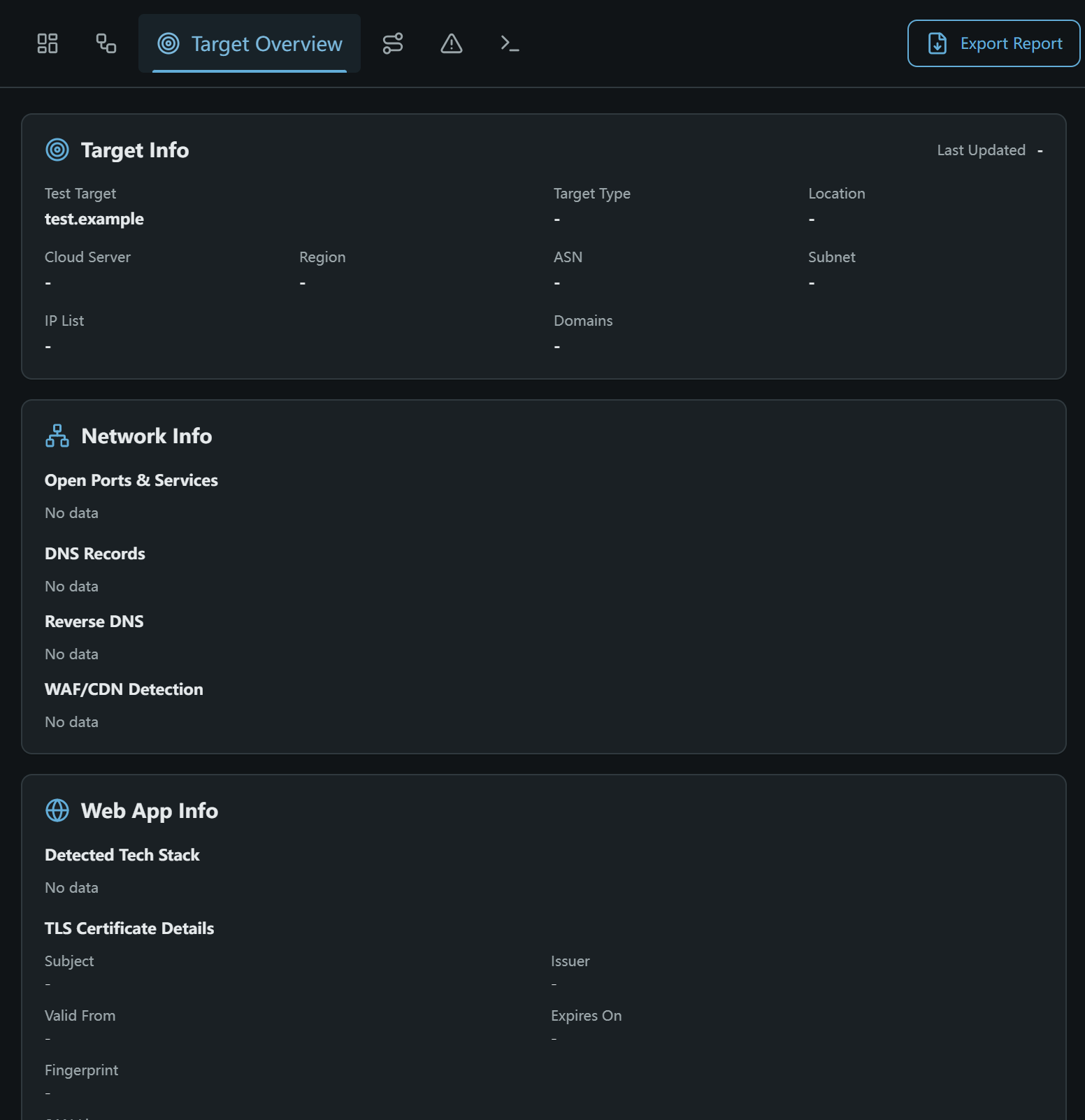
The target overview displays information collected about the test target:
- or No data means that information is not currently available. Discovery results may appear after the task runs.